RepCloud.app
Sales operations, finally in one workspace.
RepCloud brings CRM, Workspace, Drive, Publisher, and RC Assistant into a connected suite for teams that manage customers, products, files, follow-up, and content.
Vendor file summarized. Product update ready for CRM review and Publisher draft.
Why RepCloud
The problem is not another app. It is the space between apps.
Most sales teams already have tools. What they need is a shared operating layer where records, files, people, and content can move together.
Work gets split across inboxes, folders, spreadsheets, and disconnected portals.
- Product updates live in email attachments.
- Customer history is separate from files and tasks.
- Campaign work starts over every time.
- AI tools lack permission-aware business context.
The suite keeps the record, file, task, portal, and content workflow together.
- Drive stores the source material.
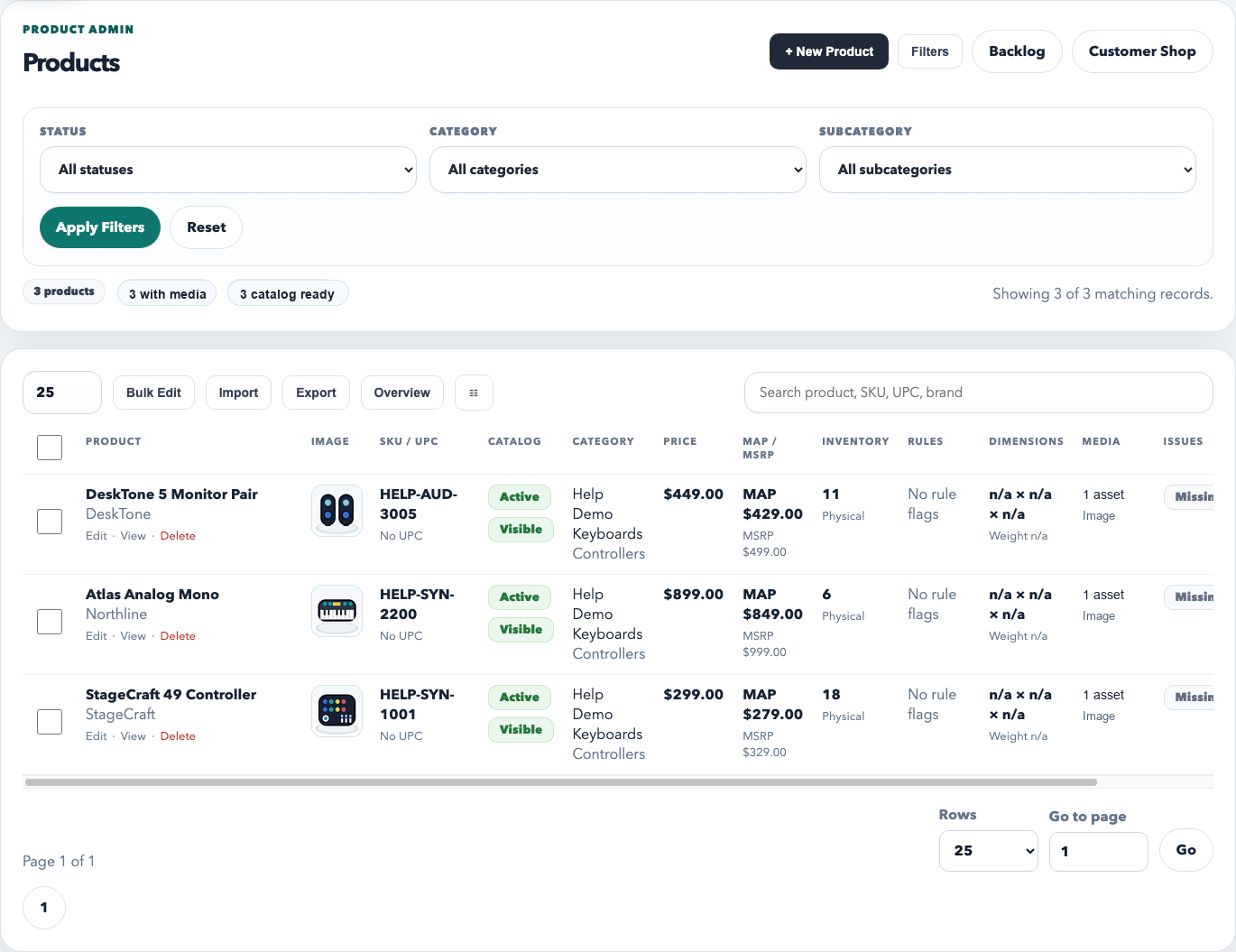
- CRM holds the account and product truth.
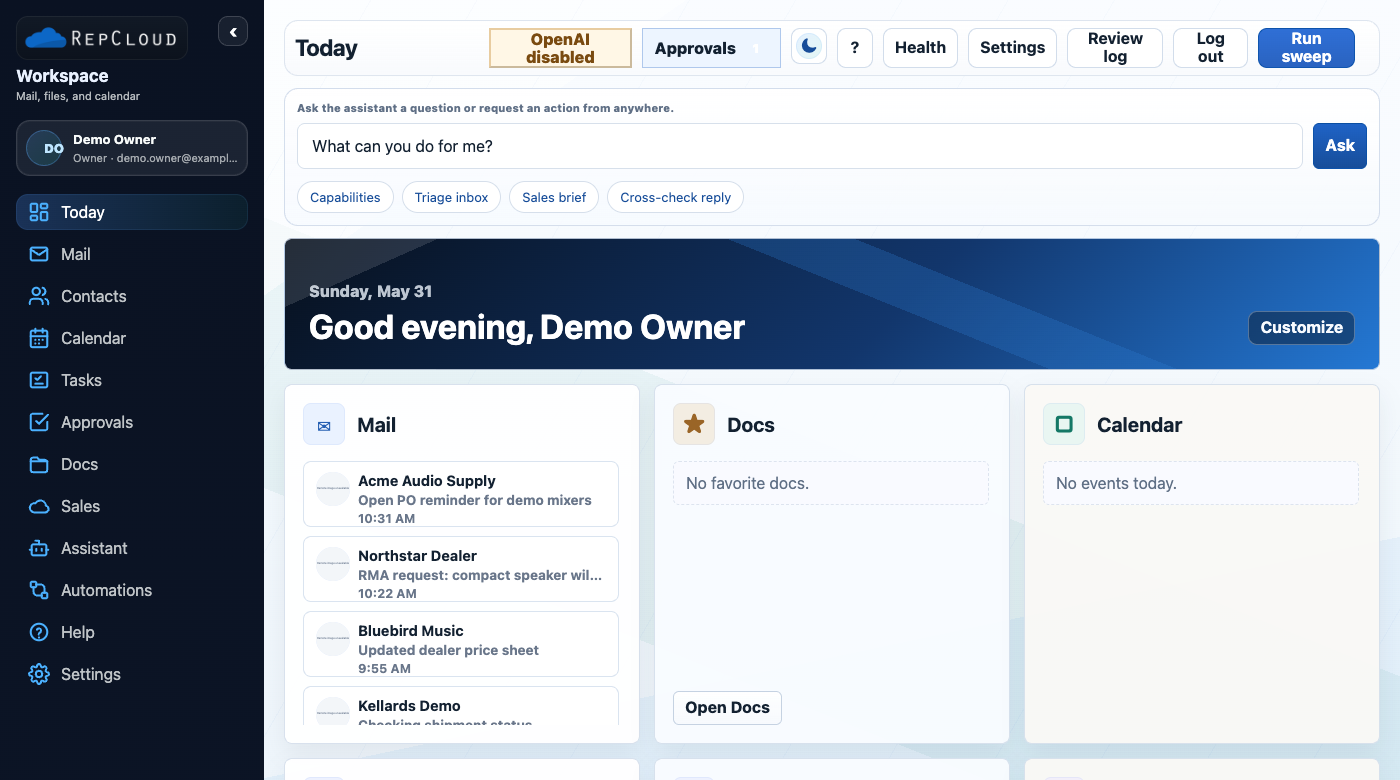
- Workspace routes the daily work.
- Publisher and RC Assistant turn context into output.
The suite
Four focused apps, one connected suite.
Each app has a focused job, but the value compounds when records, files, tasks, and content all share the same workspace context.
RepCloud CRM
Accounts, contacts, products, pricing, orders, campaigns, portals, and sales reporting.
View CRMRepCloud Workspace
Daily work, mail, calendar, approvals, tasks, team visibility, and app launching.
View WorkspaceRepCloud Drive
Documents, media, vendor files, customer files, file context, and assistant-ready retrieval.
View Drive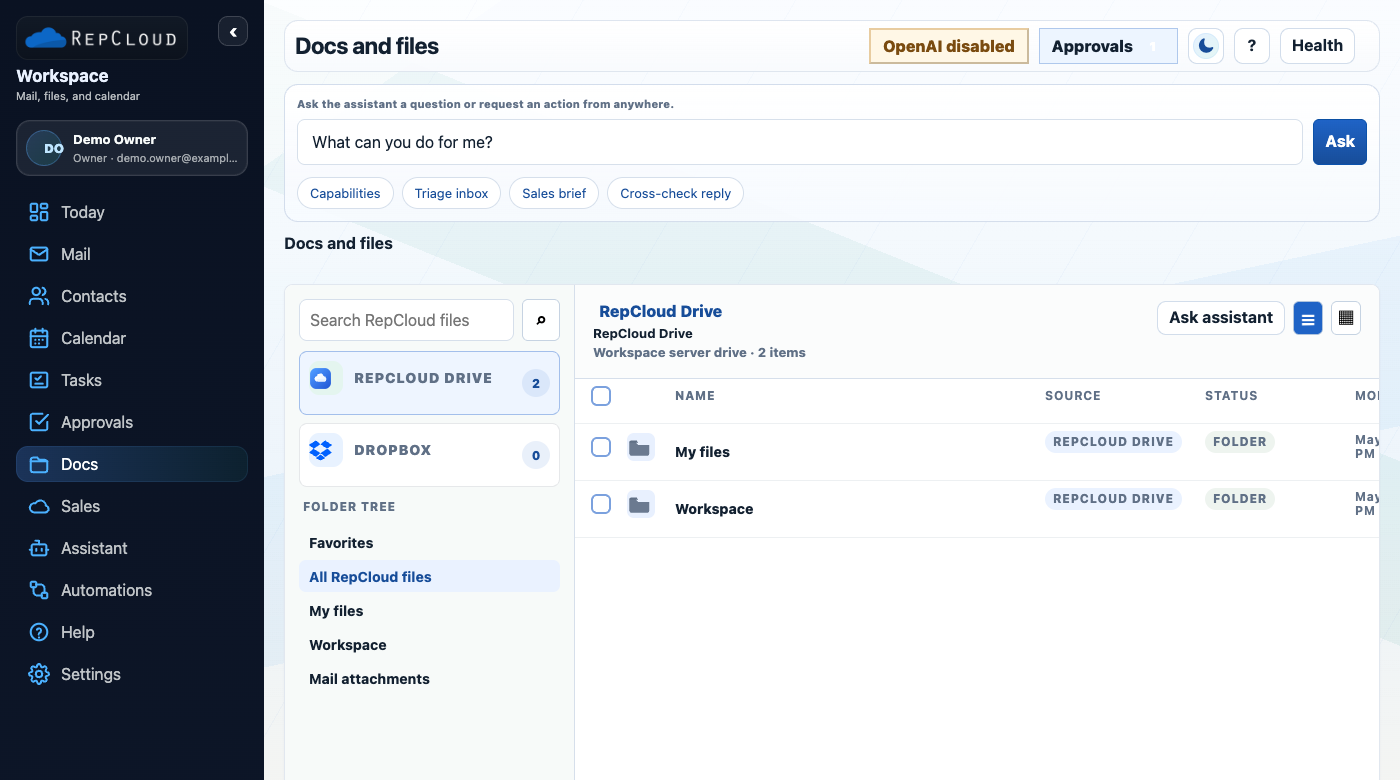
RepCloud Publisher
Planning, source intake, drafts, approvals, scheduling, WordPress, and social copy.
View Publisher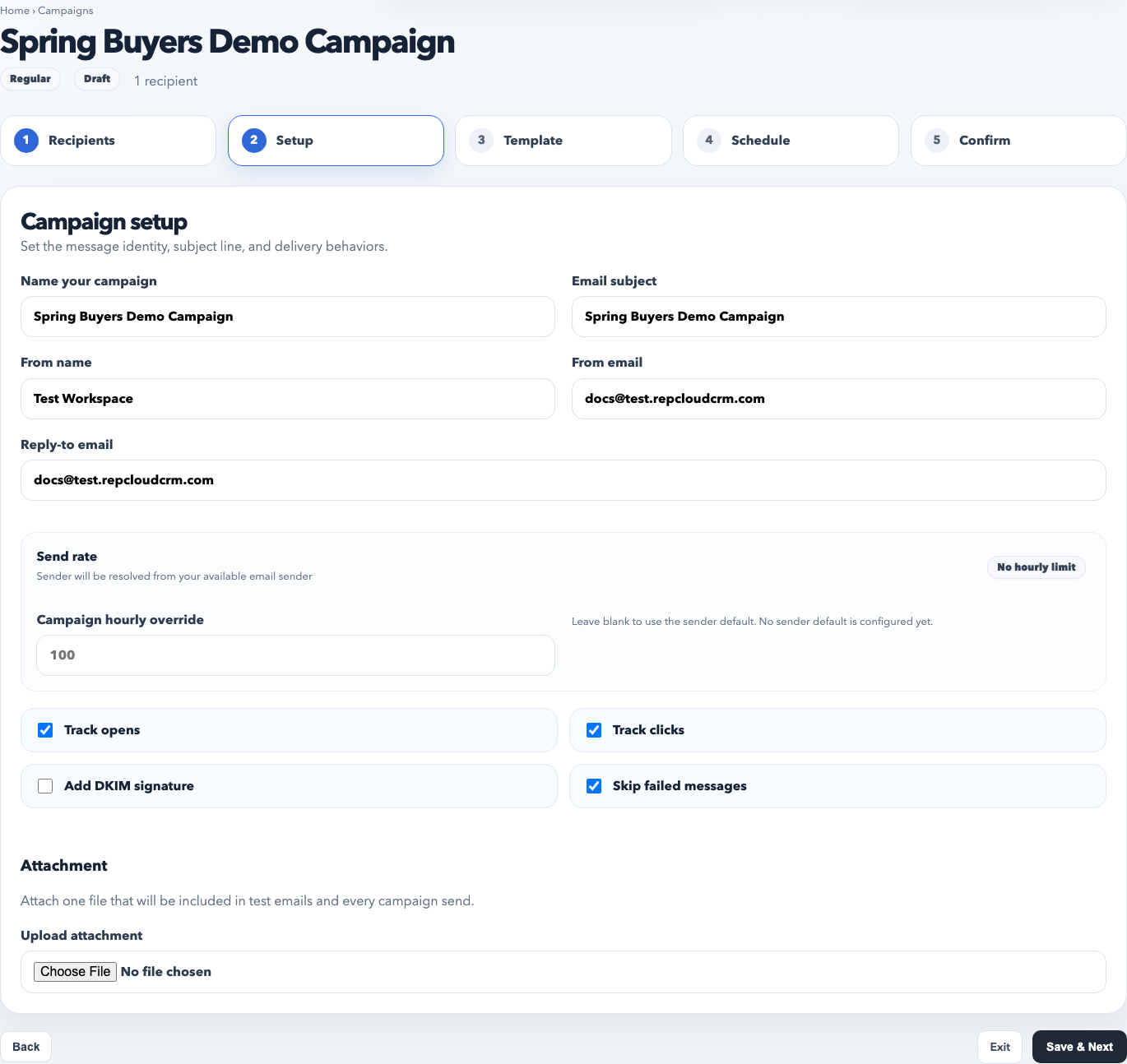
RC Assistant
AI that works inside the suite.
RC Assistant uses RepCloud context so users can summarize, draft, extract, enrich, route, and follow through from the same place they already work.
You What changed in the new vendor file?
RC The price sheet updates three SKUs, adds one accessory bundle, and includes new launch copy. I can attach it to the vendor account, create CRM review tasks, and draft Publisher content.
You Do that, but keep the campaign in review.
RC Done. Tasks are staged, source file is linked, and Publisher draft is marked for approval.
Summarize this account, find missing contacts, draft a follow-up, and extract this purchase order.
Catch me up on today, triage approvals, draft a reply, and turn this email into a task.
Find the current price sheet, summarize this vendor PDF, and attach this file to the right customer.
Turn this product launch into a blog draft, LinkedIn post, dealer email, and image brief.
Built for
Teams that sell through relationships.
Manufacturer reps
Manage accounts, product lines, orders, vendor updates, and follow-up without jumping between disconnected systems.
Brands and distributors
Keep product information, channel content, customer files, and sales workflows connected.
Sales operations
Give teams shared structure for daily work, customer service, approvals, reporting, and customer portals.
Tenant ready
One branded workspace for staff, one limited portal for customers.
RepCloud can grow into branded tenant URLs like streetwise.repcloud.app for staff and streetwise.repcloud.app/portal for customer-facing access. Custom domains can come later without changing the core app model.
Next step
Plan the RepCloud workspace around your team.
Start with a walkthrough of CRM, Workspace, Drive, Publisher, and RC Assistant.