Inventory availabilityFrom Maya Chen · Harbor Sound & Stage
Mail
Hi Avery—do you have 12 Aurora Mix controllers available?
 RepCloud Workspace
Workspace connects email with customer records, products, pricing, orders, and Drive files so RC Assistant can summarize requests, prepare grounded replies, find supporting information, and stage the next step for review. It is a $79/month add-on.
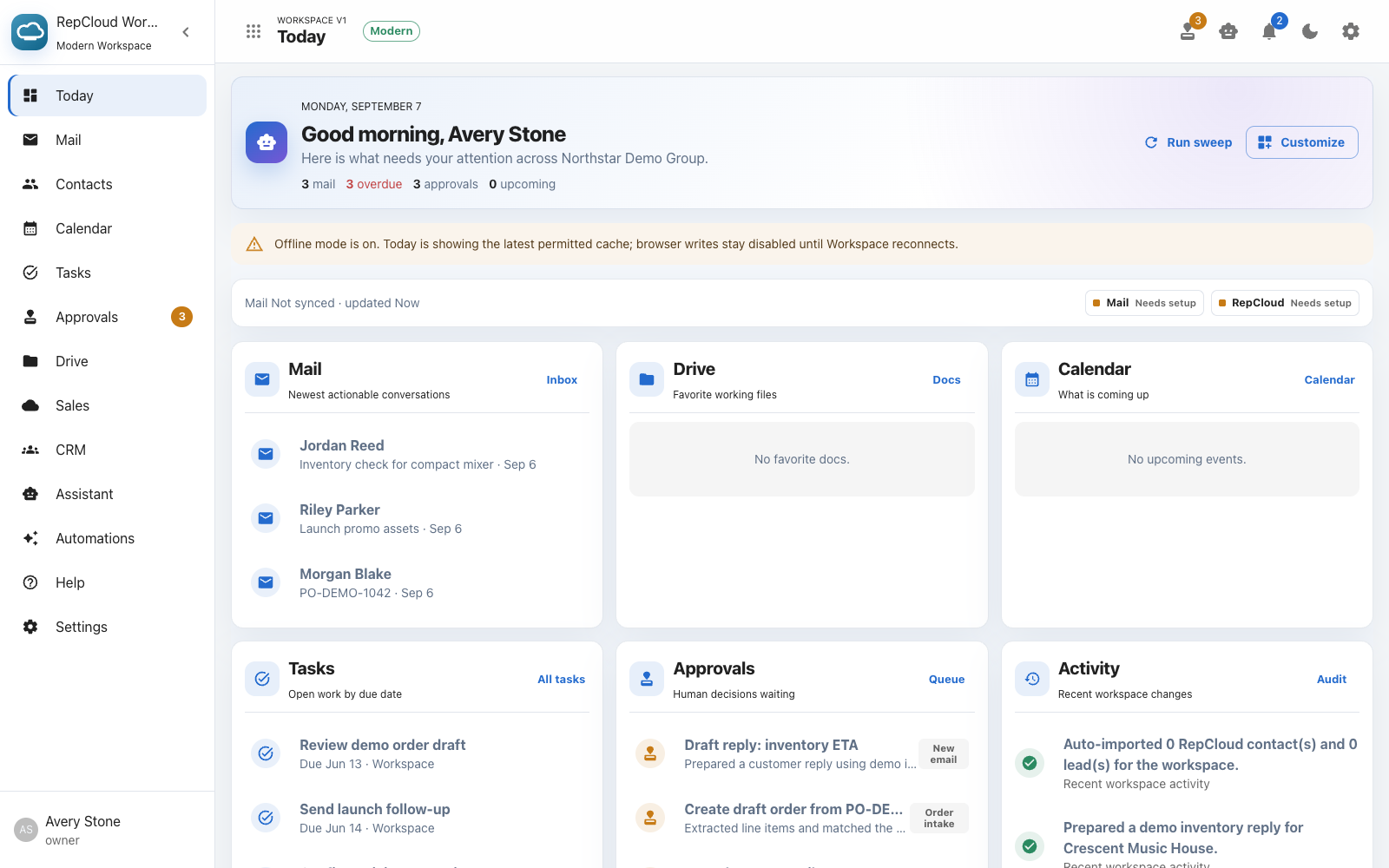
Connected AI workspace
Workspace brings Mail, CRM, Drive, calendar, tasks, and approvals together. When AI is enabled, RC Assistant can use the permitted records and files behind the request while actions that change customer data, send messages, or move work forward remain review- or approval-gated.
Illustrative example
Workspace identifies the customer and product, finds the latest permitted inventory record, and shows the source and date used for the answer. The rep can verify the evidence before sending.
Hi Avery—do you have 12 Aurora Mix controllers available?
Hi Maya—yes. According to the most recent inventory report in RepCloud Drive, dated September 2, there are 12 Aurora Mix controllers available.
Email to CRM order
Workspace can connect an incoming message and attachment to the right customer, prepare the order details, and stage the handoff. A rep reviews the source, matches, quantities, and pricing before CRM creates the order record.
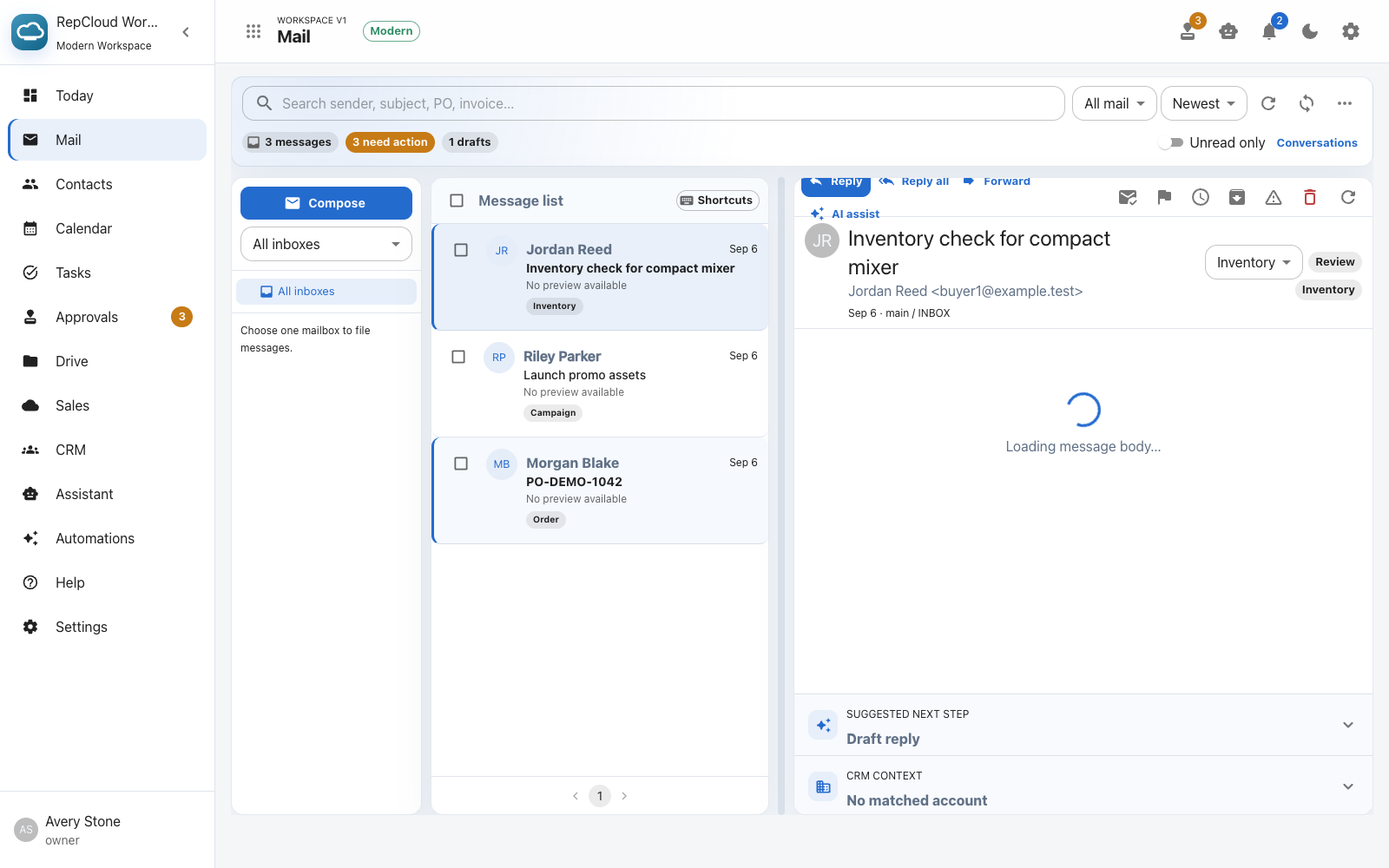

Mac app
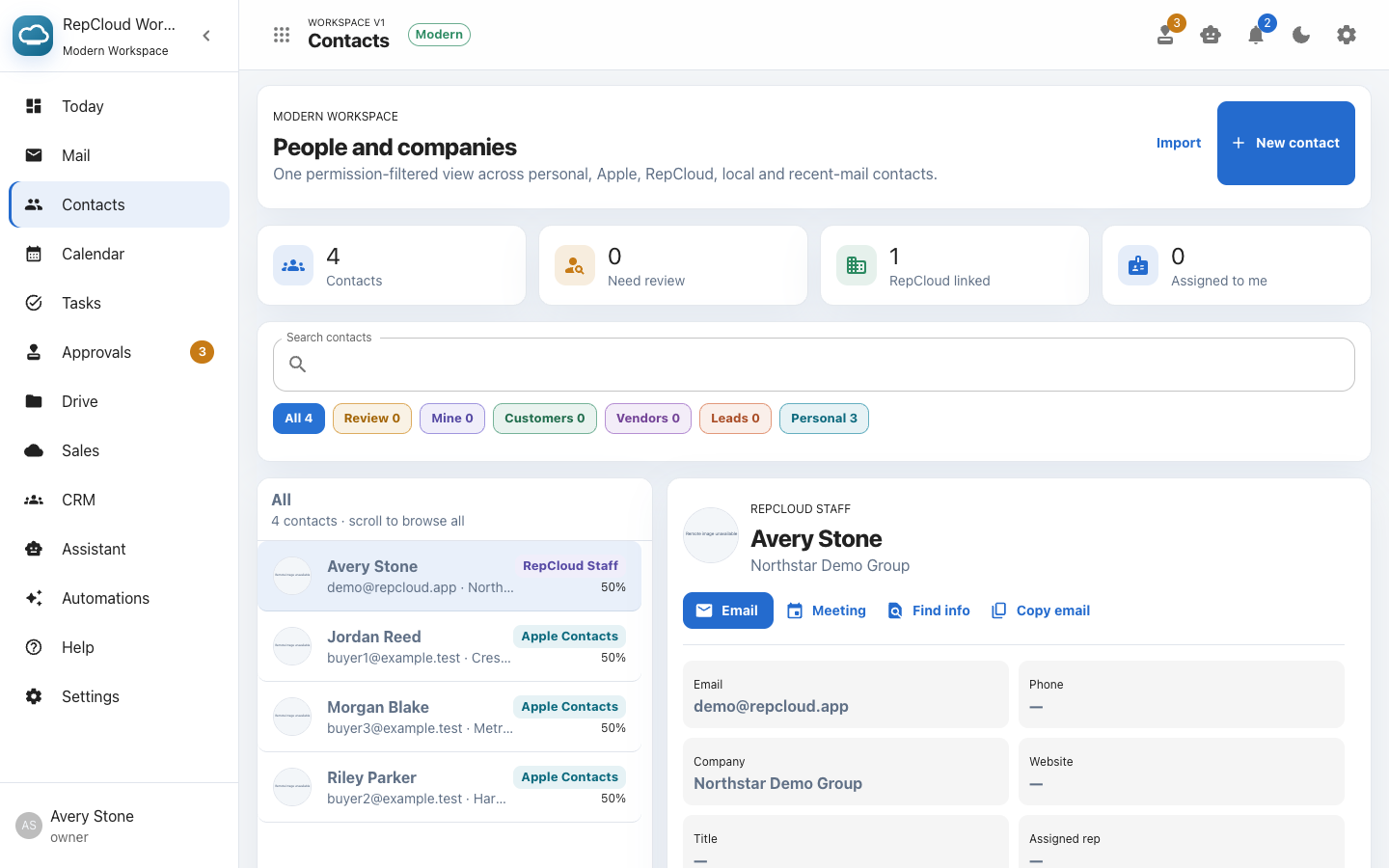
The Mac app gives Workspace accounts a dedicated place for mail, calendar, contacts, tasks, approvals, Docs, customer information, settings, and RC Assistant. It uses the same RepCloud account and permissions as the web app.
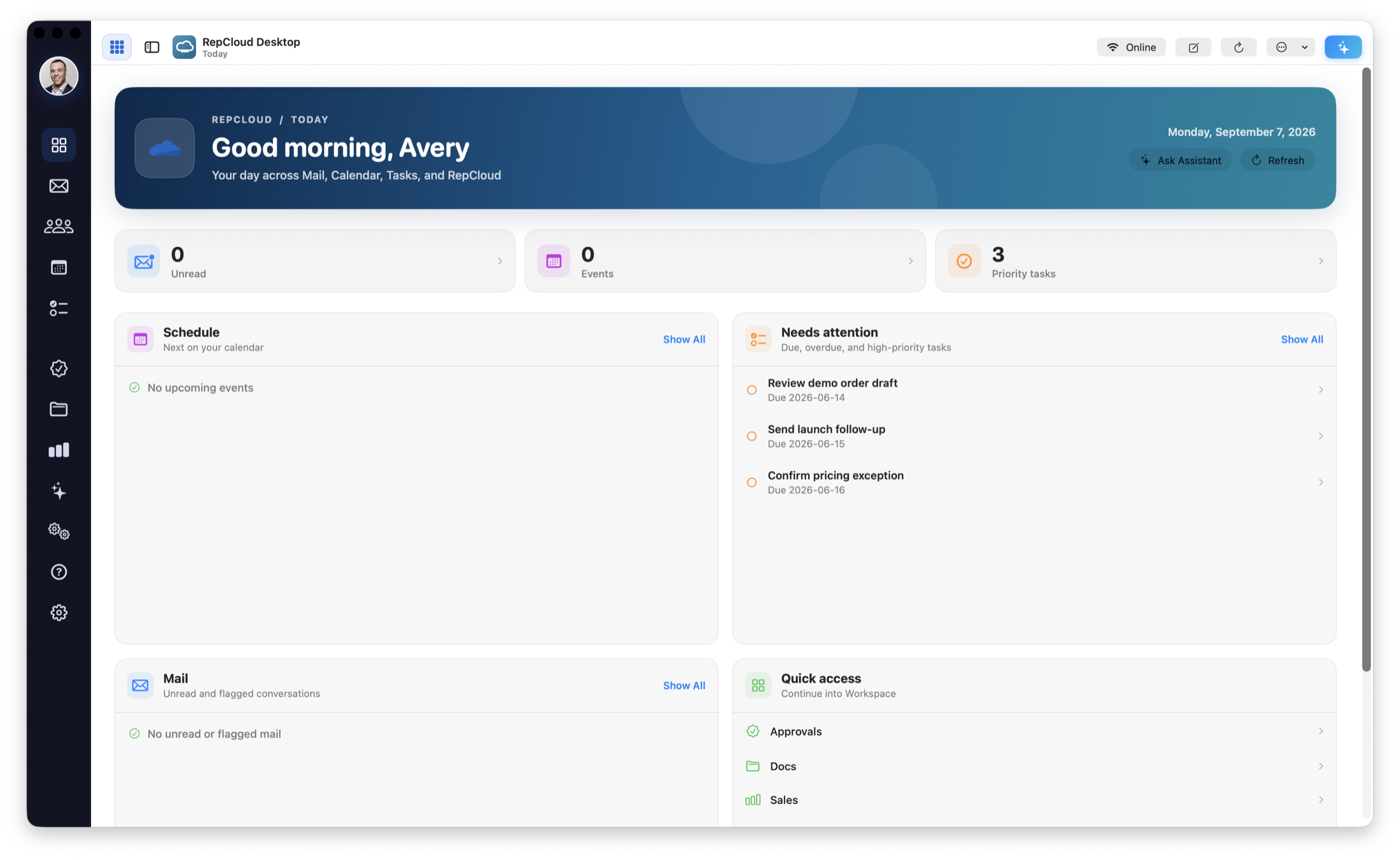 See the Mac app in action View desktop screens →
Context follows the work
Workspace can summarize incoming mail, match the sender or request to CRM context, locate relevant Drive files, and prepare replies to inventory checks, pricing questions, RMA requests, and order follow-up. Reps review the supporting details and draft before anything is sent.
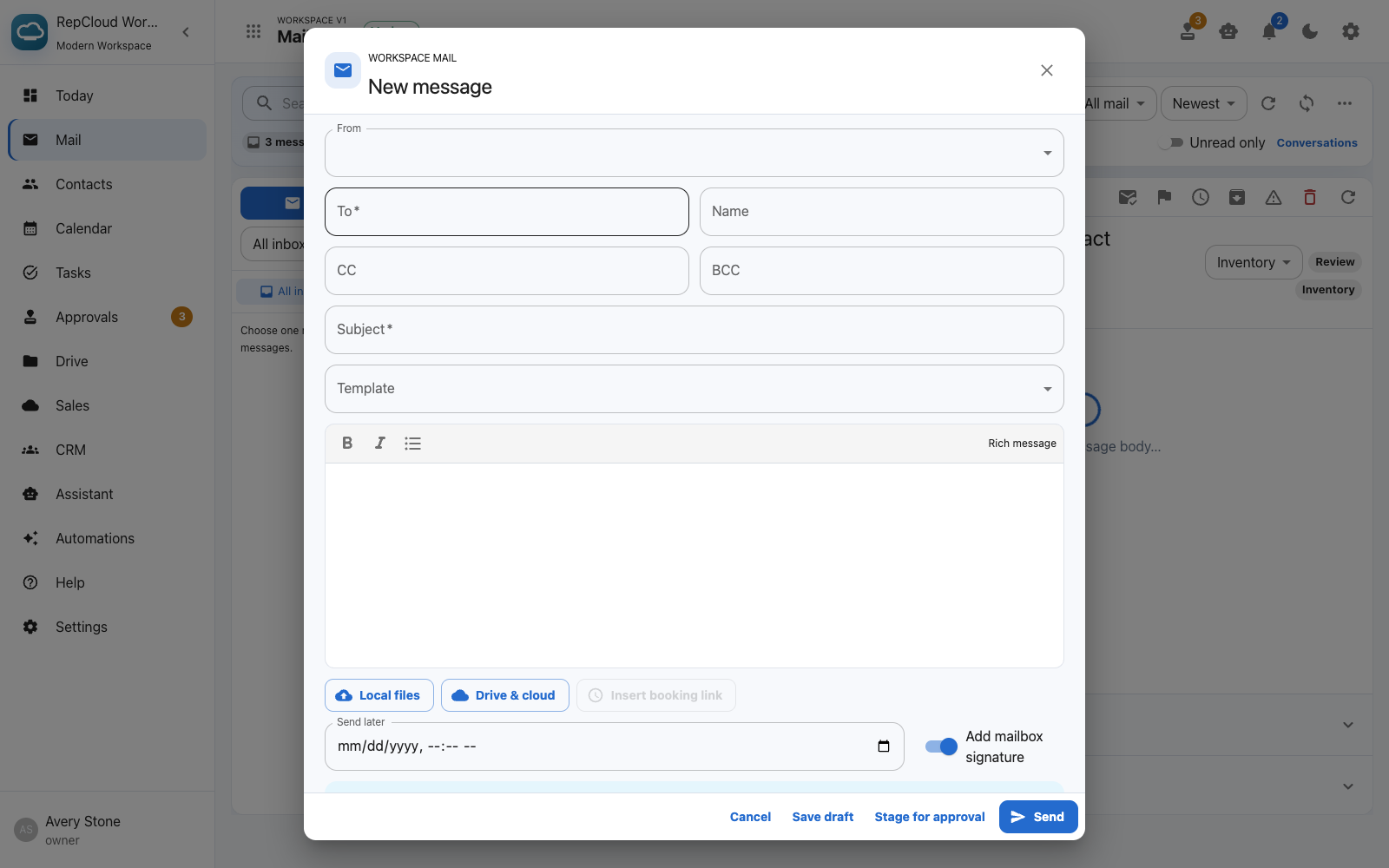
Draft replies, order intake, file actions, and other consequential next steps can be staged for approval alongside deadlines, reminders, appointments, and assigned tasks.
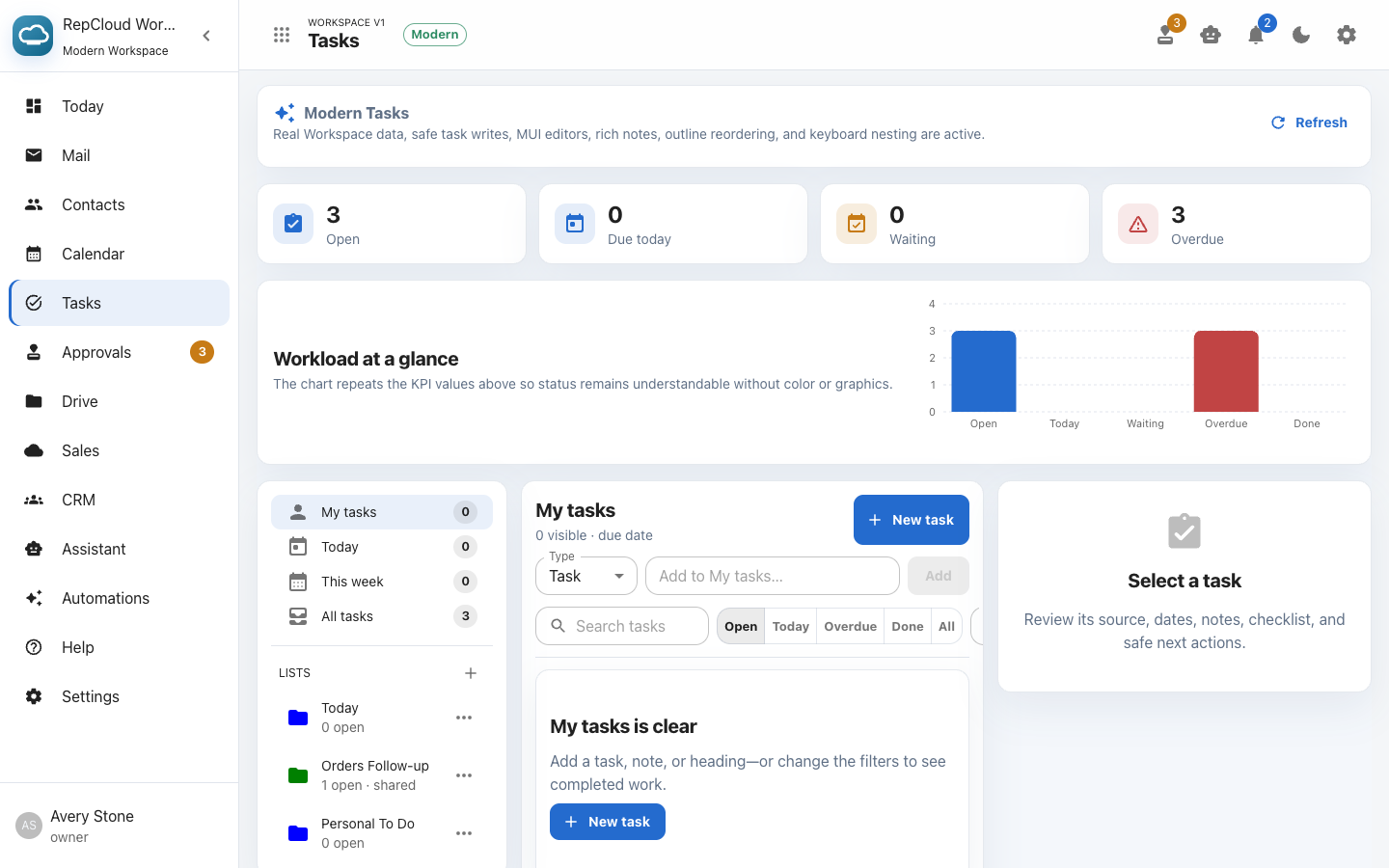
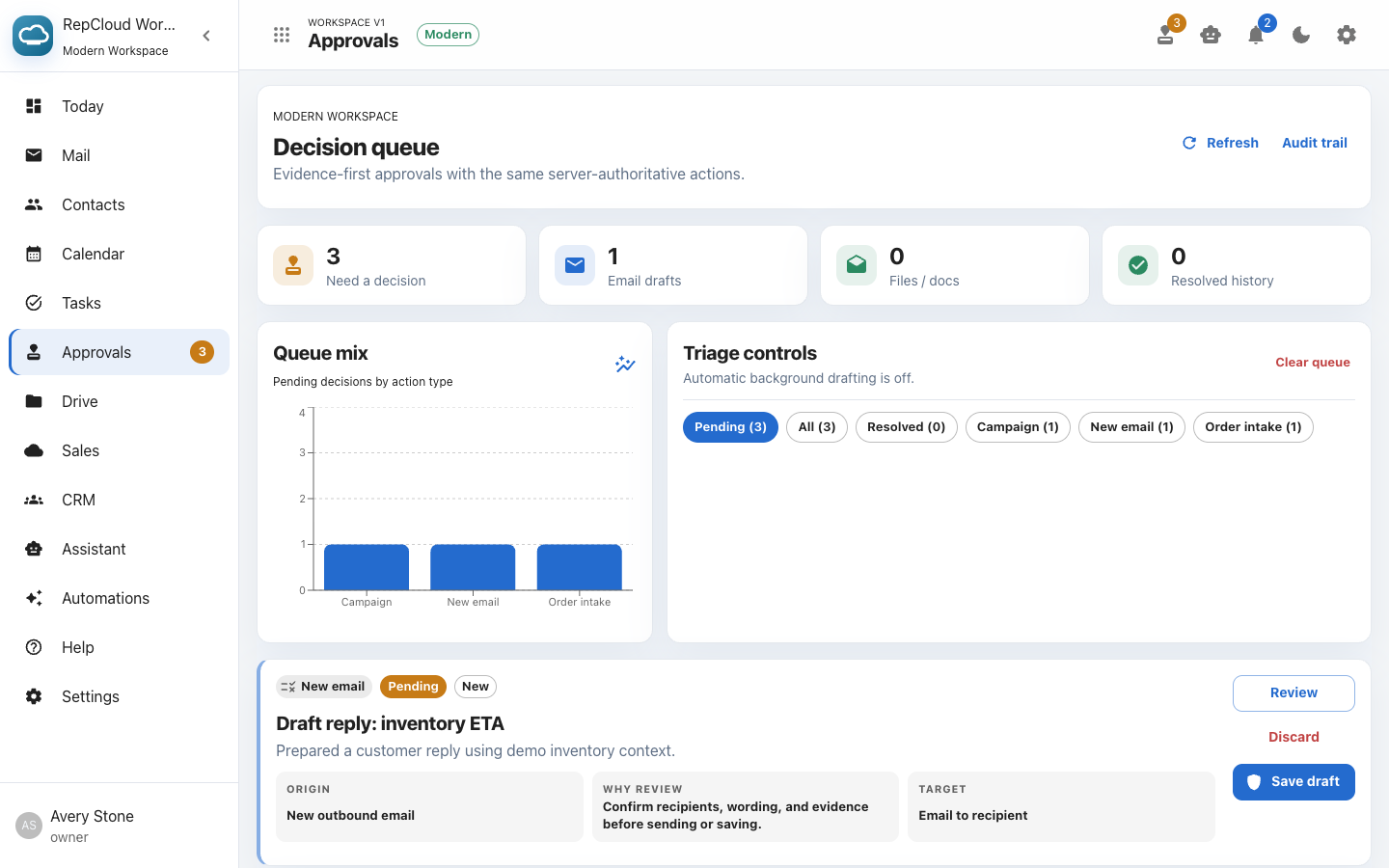
Contacts, account history, sales information, files, and app links stay available in Workspace. When a message becomes an order, task, file request, or customer follow-up, the result can be handed back to the appropriate RepCloud app.
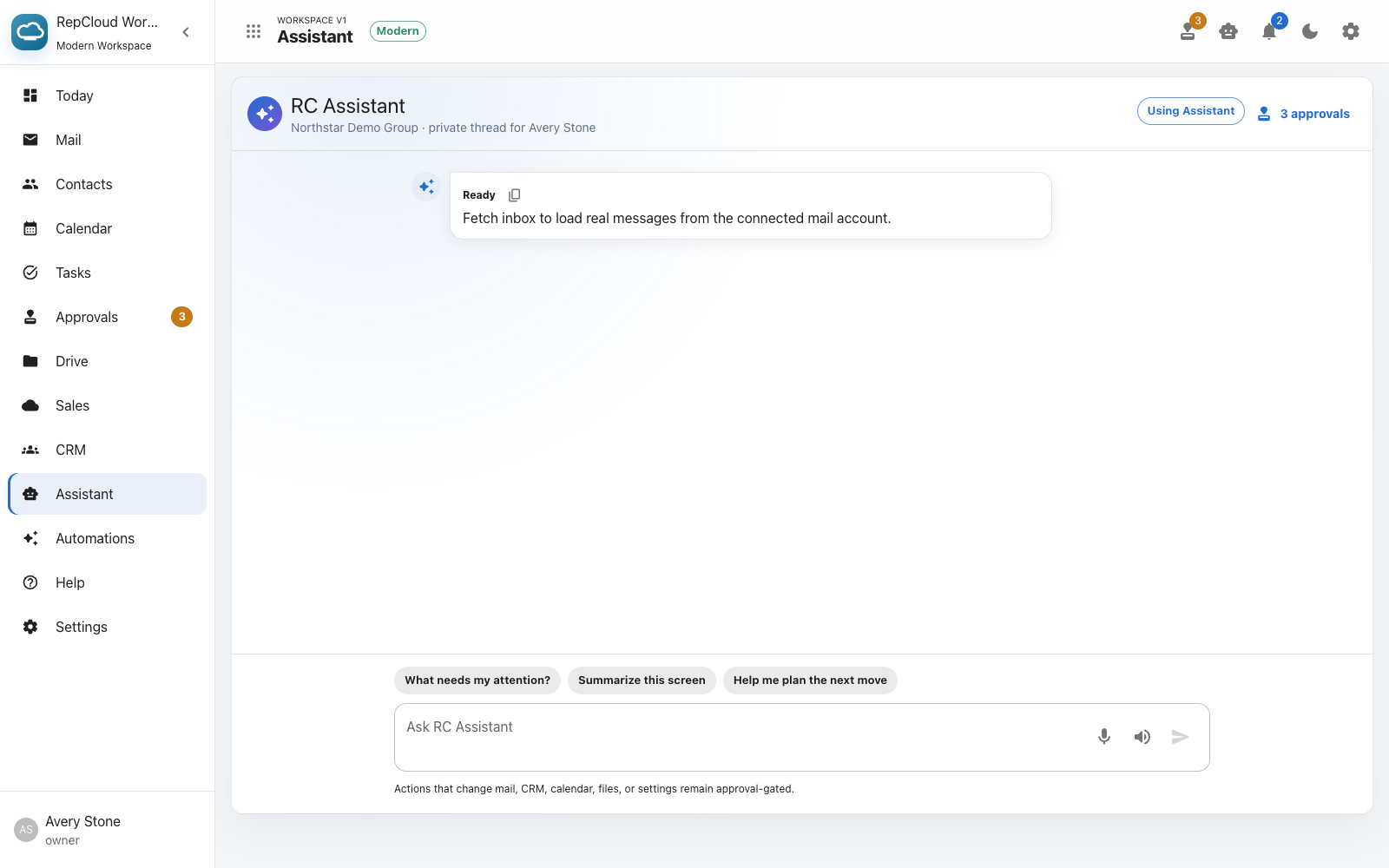
RC Assistant in Workspace