Manufacturers’ reps
Keep every line, territory, dealer, and opportunity straight.
Give outside reps, inside sales, and management one view of the customer and the work in progress.
See the rep-firm workflow → RepCloud CRM
When a customer calls, your rep should know who they are, what they buy, the right price, what is still open, and what happened last—without asking around.
Bring us one real, non-sensitive sales scenario. We’ll show you how your team would handle it in RepCloud.
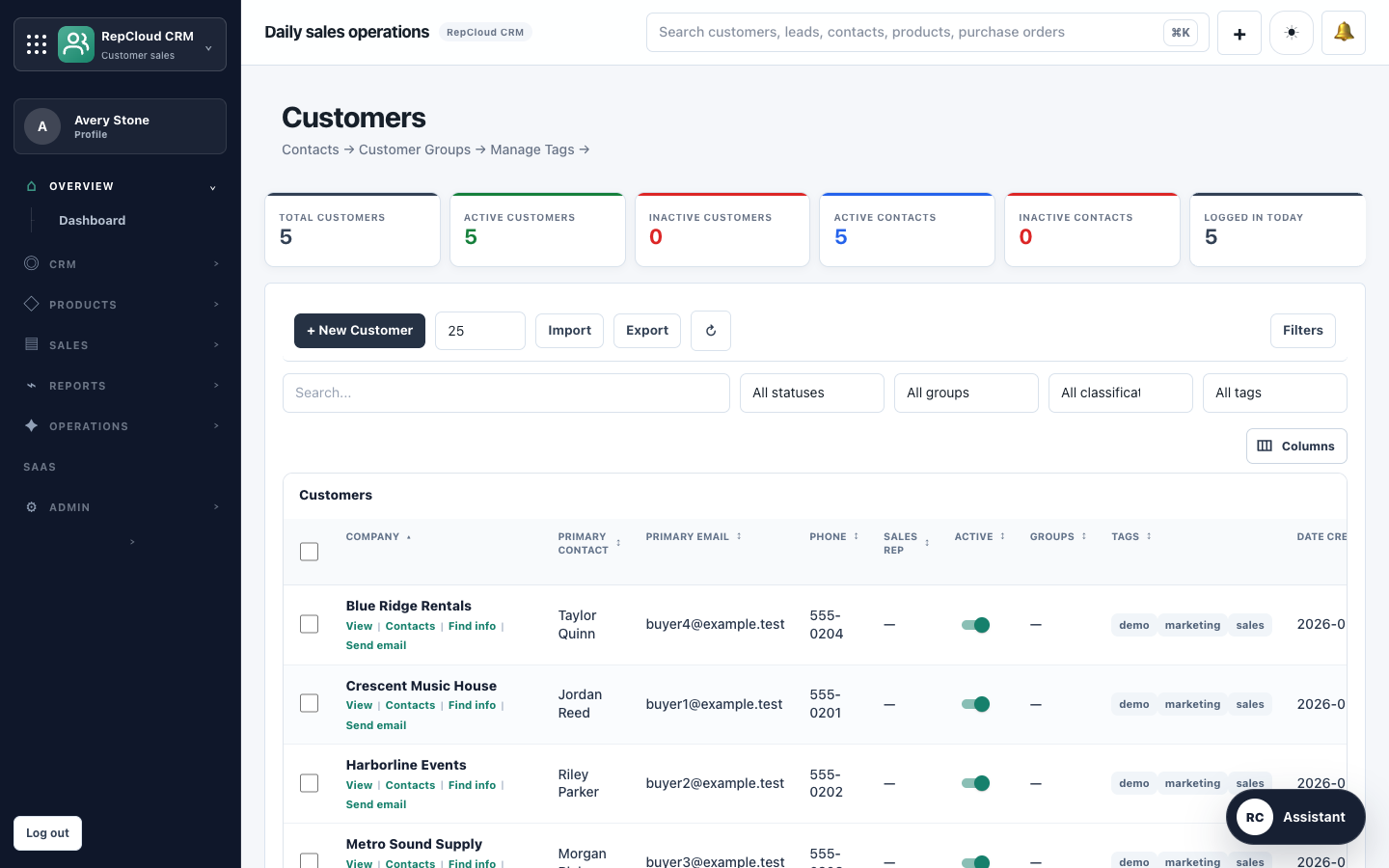
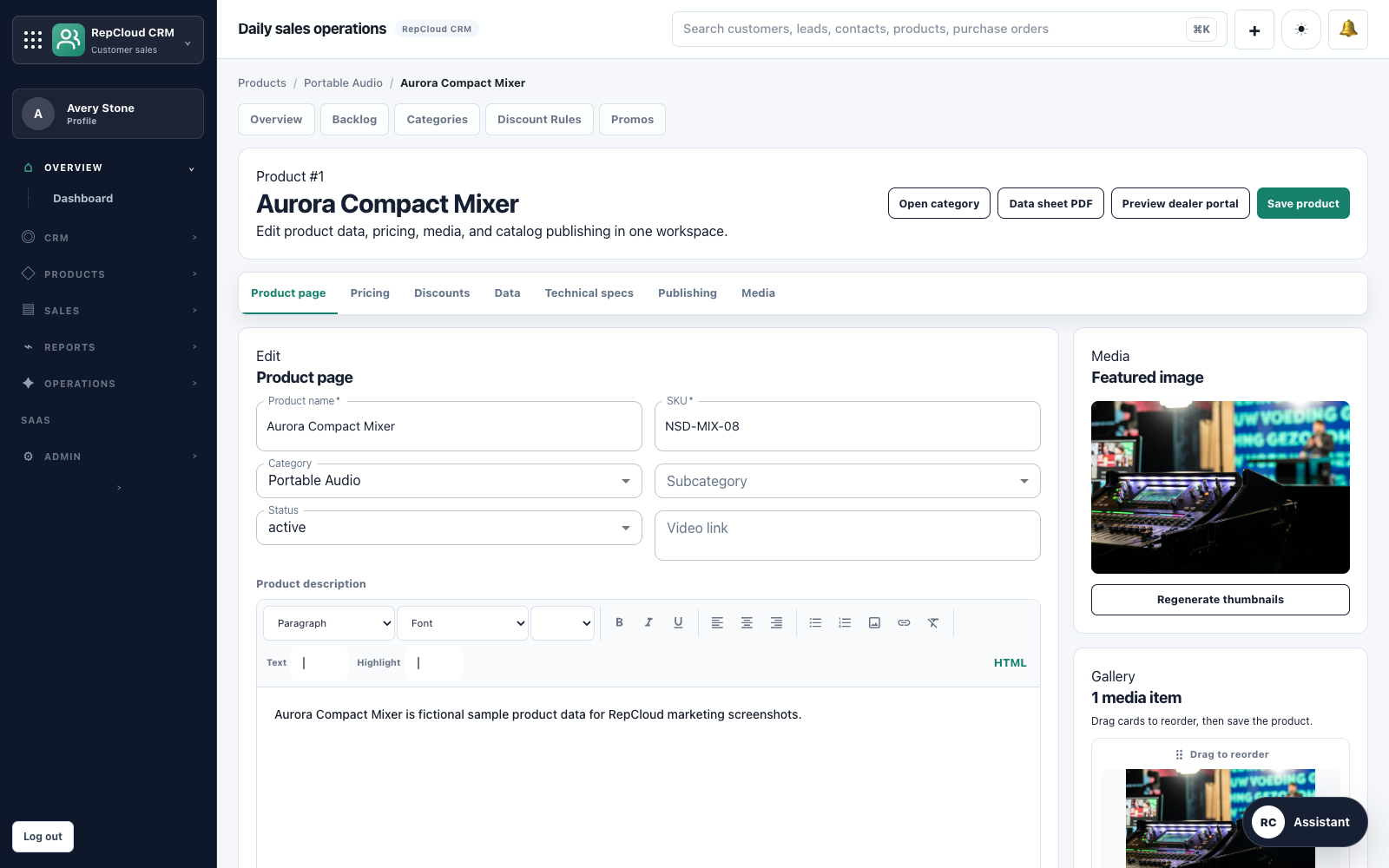 Products + pricing
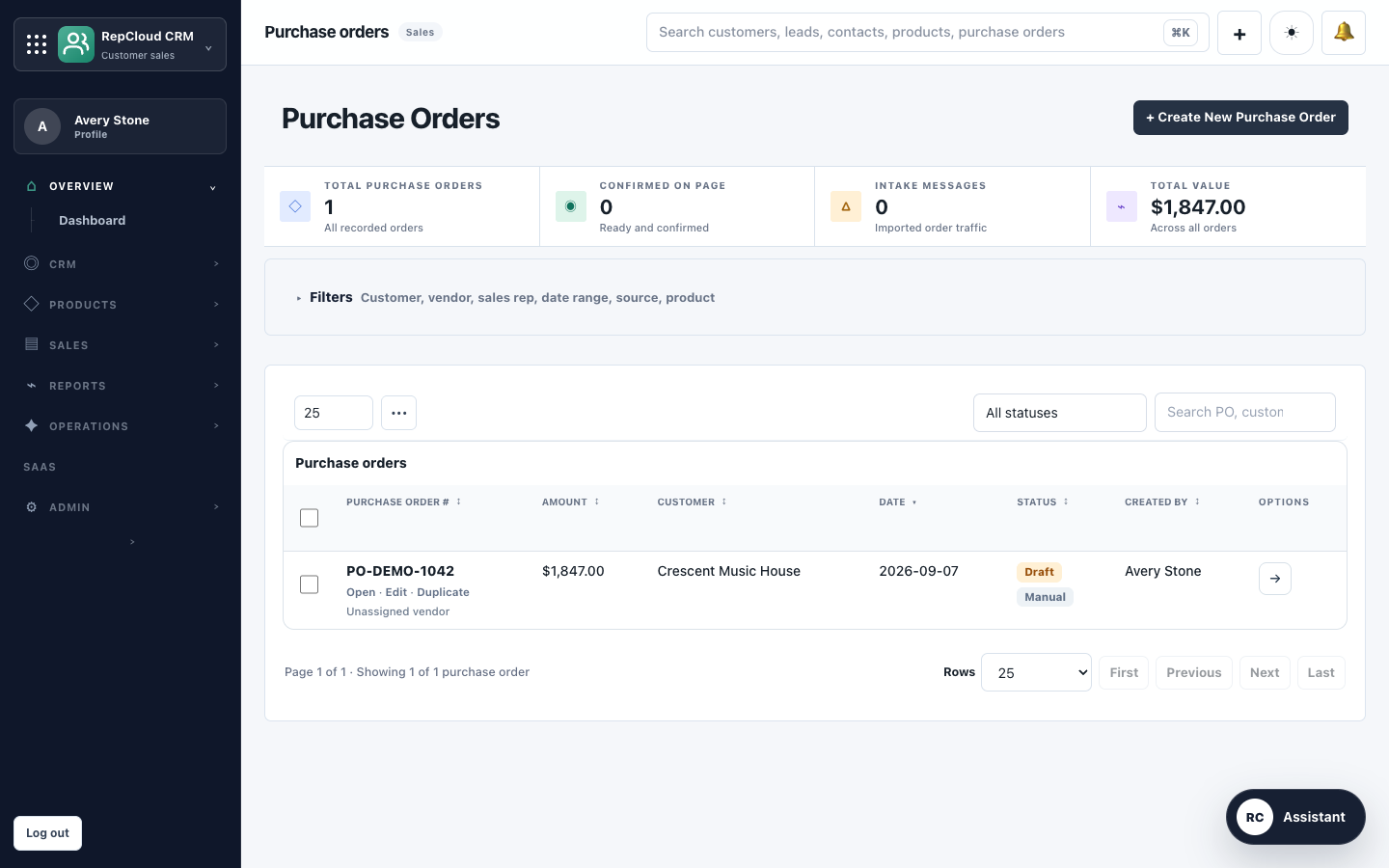 Orders + intake
When a customer calls
RepCloud keeps the account, product details, pricing, order work, and follow-up together so the next person can pick up where the last one left off.
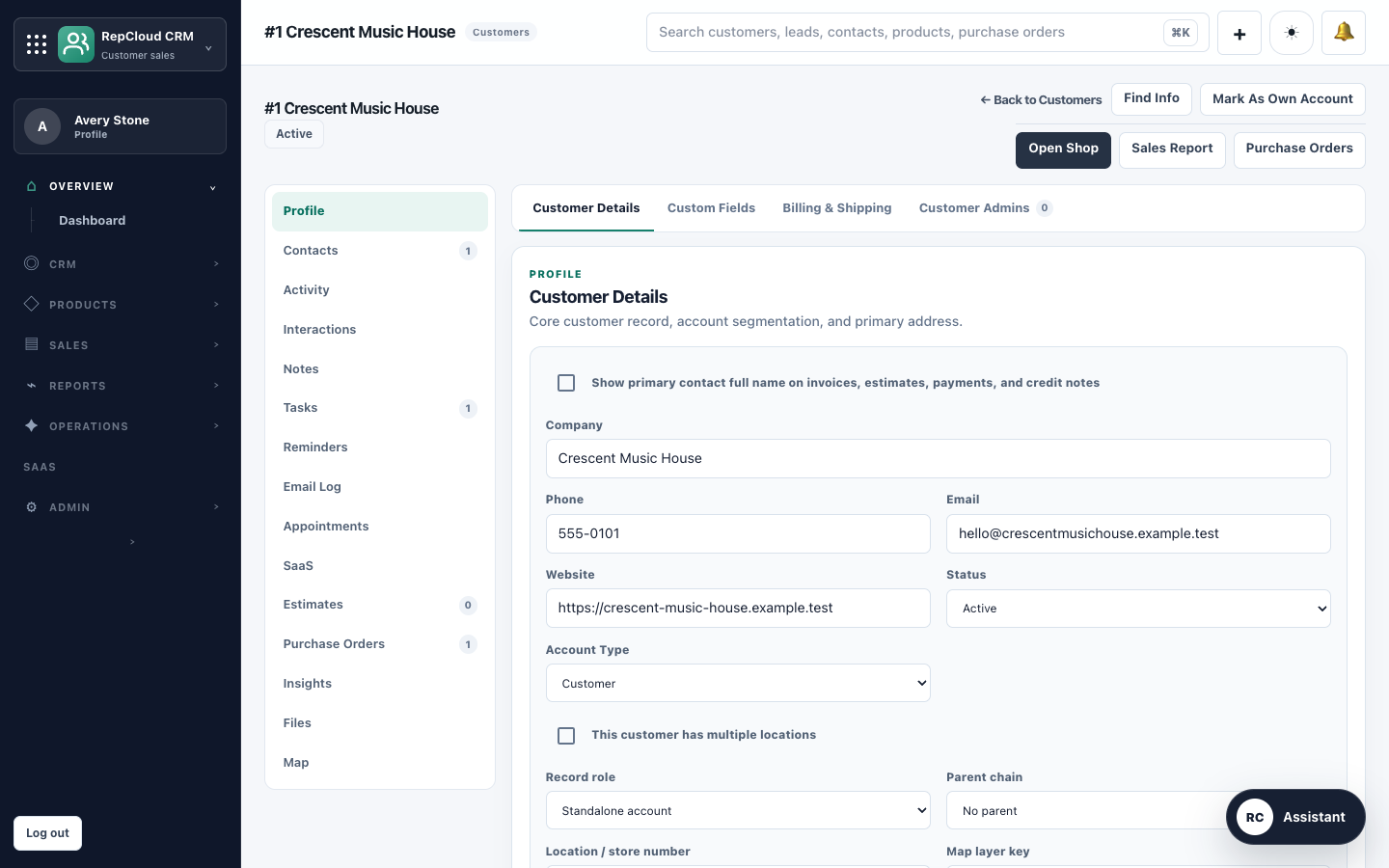
See the buyers, locations, last conversation, open orders, files, and who owns the relationship.
Check the product, current price, promotion, inventory note, or approved document while the customer is still on the phone.
Review the PO, catch pricing or product issues, and keep the original document with the order.
Assign the next step, record the outcome, and give everyone a clear view of what is still outstanding.
The customer record
Built for real sales operations
If your reps deal with catalogs, price lists, POs, territories, dealer locations, and repeat business, a basic contact-and-pipeline CRM leaves too much of the job somewhere else.
Manufacturers’ reps
Give outside reps, inside sales, and management one view of the customer and the work in progress.
See the rep-firm workflow →Brands
Manage dealer accounts, pricing, catalogs, content, and approved access without passing spreadsheets around.
See the brand workflow →Distributors
Help the team answer questions, build orders, and follow through without jumping between disconnected systems.
See the distributor workflow →Products, pricing, and orders
Your reps should be able to confirm the item, apply the customer’s price, and spot a problem before a bad order gets any farther.
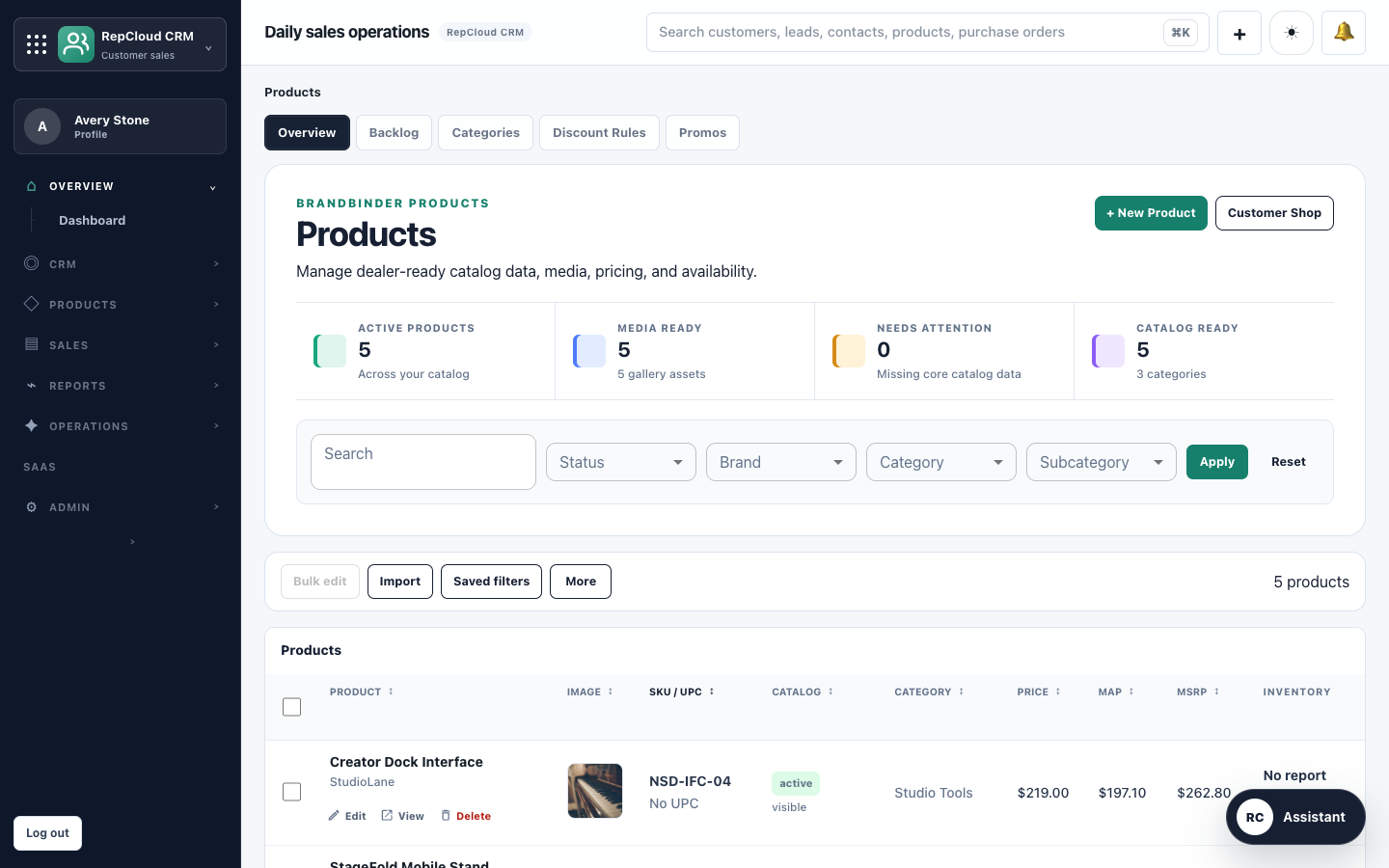

Customer portal
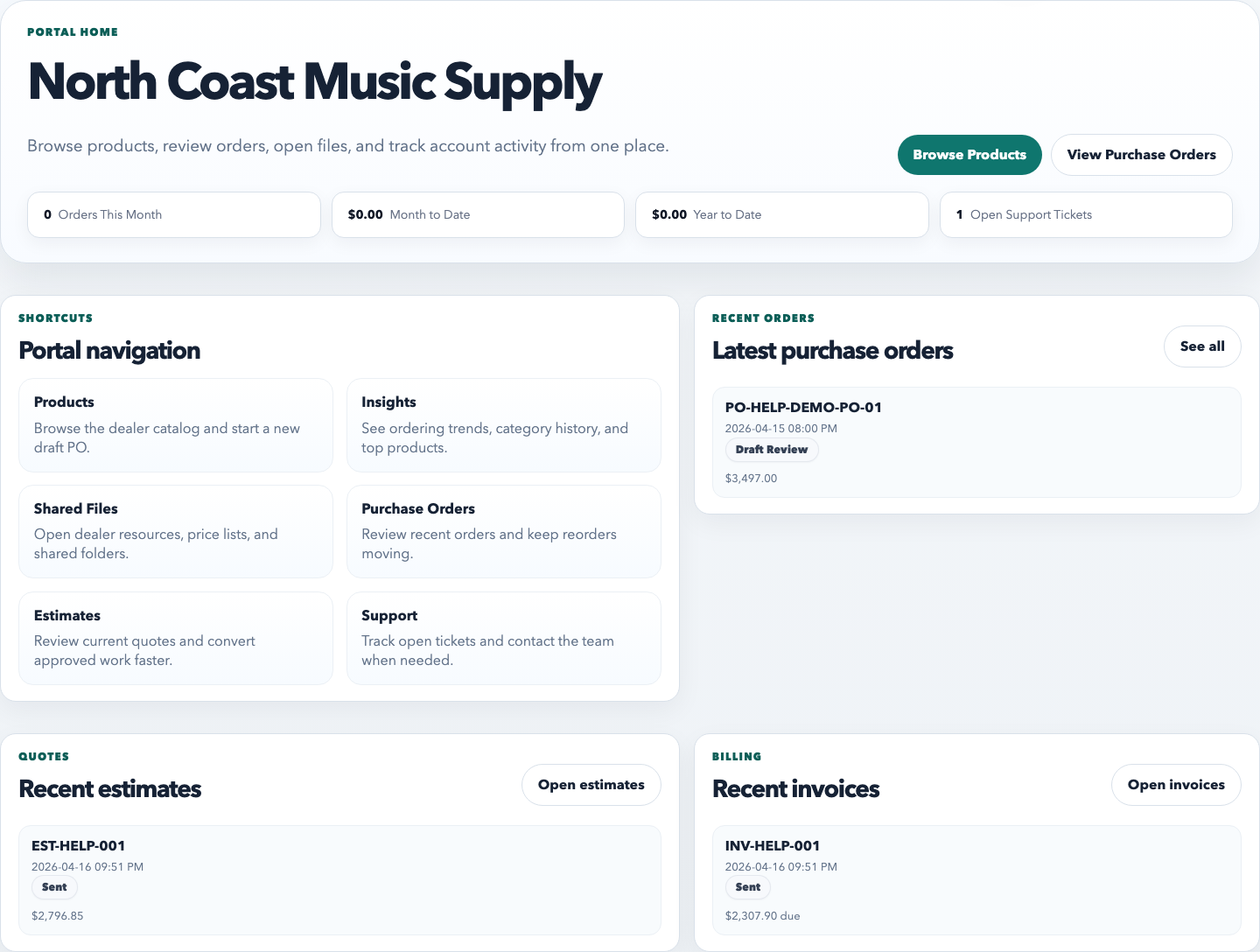

Keep the team connected
Whether they are in the office, visiting an account, or catching up after hours, they should be working from the same customer information.
In the office
Manage accounts, products, pricing, orders, leads, campaigns, support, tasks, and reporting from the browser.
On the road
Record notes, photos, field reports, and follow-up from Mac or iPhone while the visit is still fresh.
See RepCloud apps →During follow-up
Move from the customer record to the conversation or document you need without hunting through inboxes and folders.
Explore Workspace →What needs attention on the North Coast Music Supply account?
I found three items worth reviewing before the next follow-up.
One line still needs a product match.
The monitor pair discount needs confirmation.
The account has no primary purchasing contact.
RC Assistant
Twenty-minute fit check
We’ll show you how RepCloud would handle it, answer the hard questions, and tell you plainly if it is not a fit.