RepCloud Drive

Files that belong to the work.

RepCloud Drive keeps documents, media, product files, customer files, purchase orders, invoices, and source material connected to the records and workflows that use them.

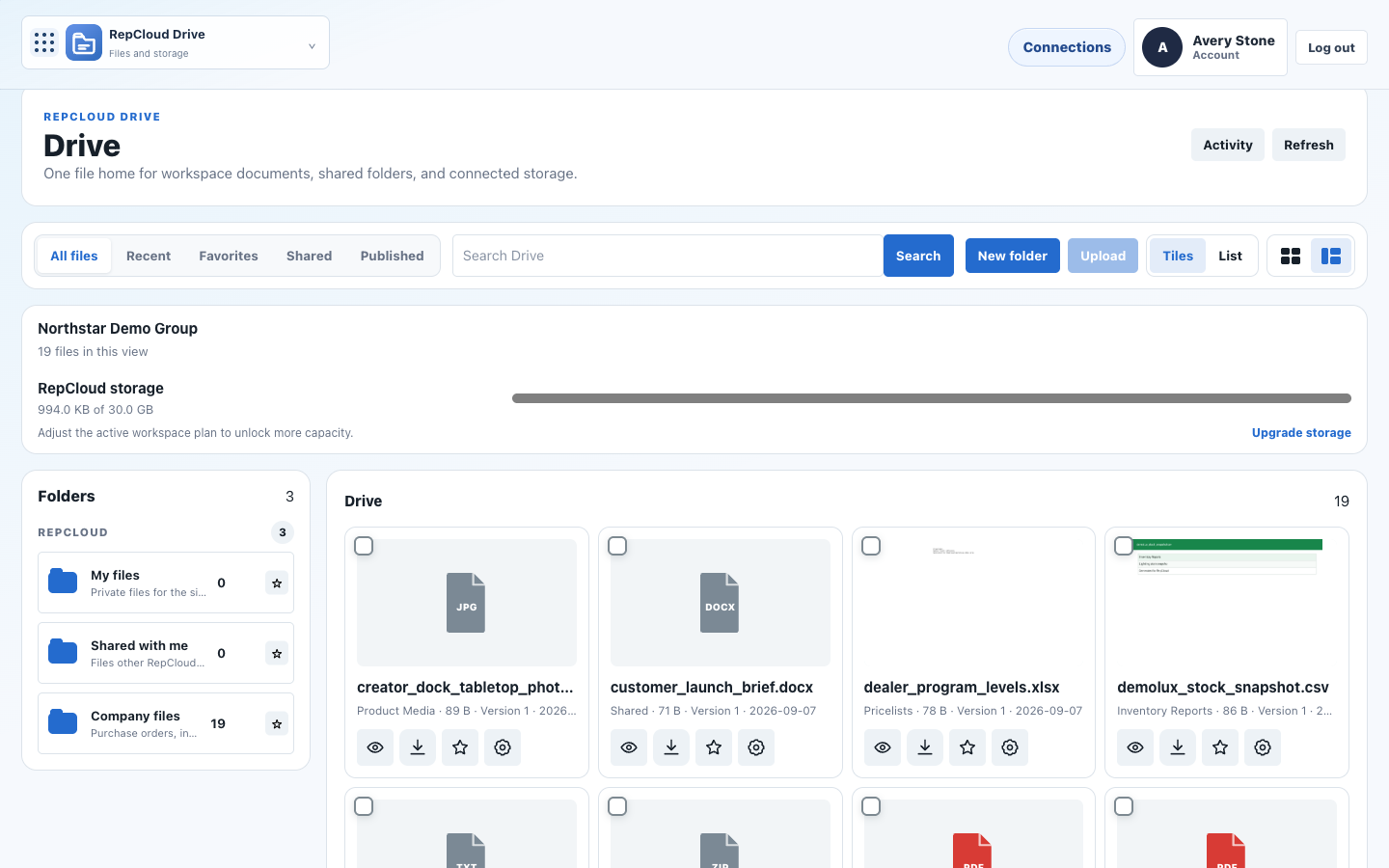
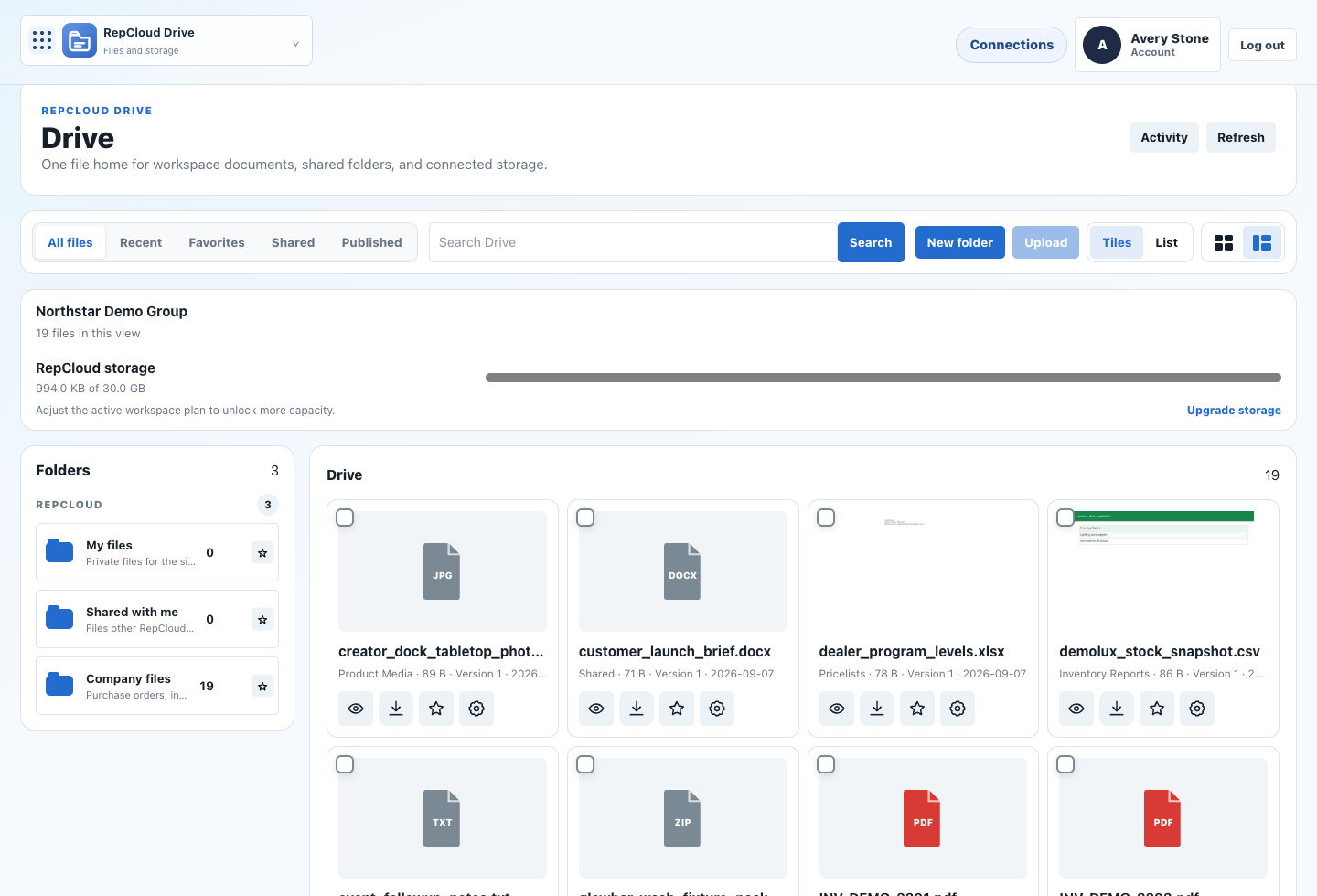
RepCloud Drive documents screenshot
Drive connects files to the suite Vendor docs Customer files Product media Orders Portal docs Source assets AI retrieval

Document context

Make files usable across the suite.

Drive is the connective layer for documents and media. Files can support CRM records, Workspace tasks, Publisher content, customer portals, and assistant workflows.

Shared file hub

Keep sales files, product sheets, vendor documents, customer files, media, and attachments organized.

Record attachments

Connect files to accounts, products, orders, campaigns, tasks, portal records, and content items.

Customer documents

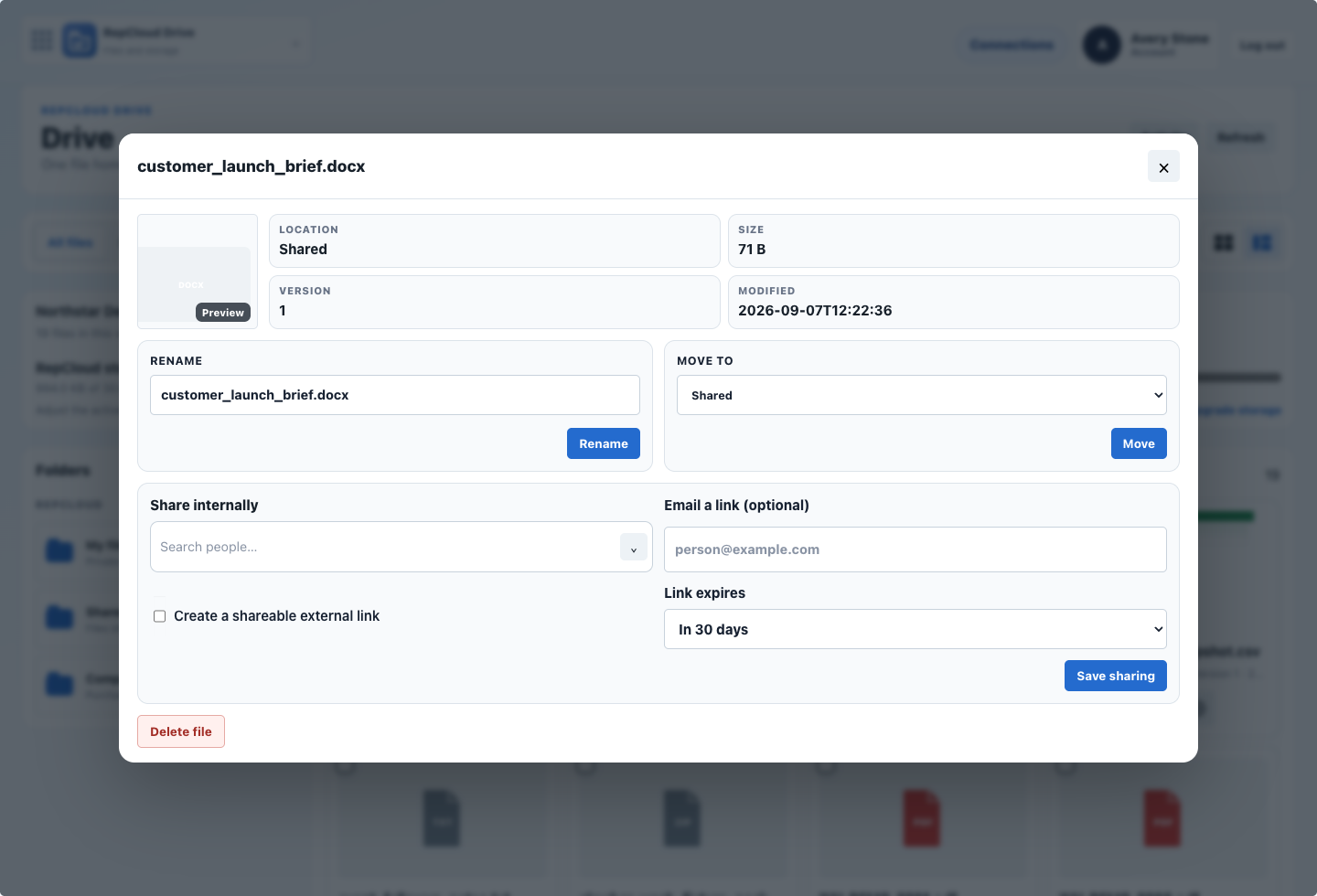
Support portals with invoices, estimates, purchase orders, shared files, and customer-ready downloads.

Media and source assets

Store product media, campaign assets, vendor source material, and Publisher inputs in one governed place.

Permission-aware access

Align file visibility with tenant roles, app grants, workspace permissions, and customer portal rules.

Assistant-ready retrieval

Let RC Assistant find, summarize, extract, classify, and route files with business context.

File workflows

Documents become part of the customer and product record.

Drive should not become a dumping ground. It is the file layer that supports orders, portal access, sales follow-up, product launches, and content workflows.

Internal files stay connected to daily work.

Workspace can surface the documents, attachments, and shared files tied to a customer request, task, or approval.

RepCloud Drive documents screenshot RepCloud Workspace approvals screenshot

Commercial documents stay close to CRM.

Purchase orders, invoices, estimates, product sheets, and account files can be attached to the records that explain them.

RepCloud CRM orders screenshot RepCloud CRM account files screenshot

Customer-facing files can flow into portals.

Documents that customers need can be presented through a limited portal without exposing the internal workspace.

RepCloud customer portal screenshot RepCloud product files screenshot
RepCloud document list screenshot

RC Assistant in Drive

Find the file and use what is inside it.

  • Find the current price sheet for this vendor.
  • Summarize the latest product PDF and flag changed specs.
  • Attach this invoice to the matching customer and order.
  • Pull source material for a Publisher product launch draft.