 Approved catalogProducts · pricing · assets

One connected channel
Brand-approved products.
Rep-powered sales.
BrandBinder gives manufacturers one place to manage dealer-ready product information. RepCloud brings that approved information into the daily customer, order, and follow-up work of the rep firm.
Approved catalogProducts · pricing · assets Sales-ready contextCustomers · orders · follow-up
For brandsPublish one approved product source for the channel.
For rep firmsUse accurate brand information without giving up your CRM.
For dealersReceive clearer product information from both sides.
Different jobs. Shared product truth.
Each team keeps the workspace built for its work.
The connection carries approved catalog information between the products. It does not combine private customer records or hand control of one company’s data to another.
For manufacturers and dealer-network teams
Keep the channel working from approved information.
- Catalogs, price lists, assets, and feeds
- Dealer access and authorization
- Launch announcements and campaigns
- Dealer CRM, embeds, and locator tools
ApprovedCatalog sync→Review before applying
For rep firms, distributors, and sales teams
Turn product information into customer action.
- Customer and contact history
- Orders, estimates, invoices, and files
- Email, tasks, approvals, and follow-up
- Territory work and field reports
How the connection works
Approved at the source. Reviewed before it reaches sales.
BrandBinder remains the brand’s source. RepCloud compares each authorized update with the rep firm’s working catalog before anything changes.
Private CRM records stay private.Customers, contacts, opportunities, orders, and activity do not move through the catalog connection.
- 01The brand publishes
BrandBinder prepares a versioned set of approved products, pricing, and assets.
- 02The rep firm connects
The RepCloud workspace authorizes access to the participating brand source.
- 03RepCloud shows the differences
Additions and updates appear as a reviewable change set—not a silent overwrite.
- 04The team decides what to apply
Selected changes enter the sales catalog with a visible sync history.
From catalog to customer
Give reps the current product context where they already work.
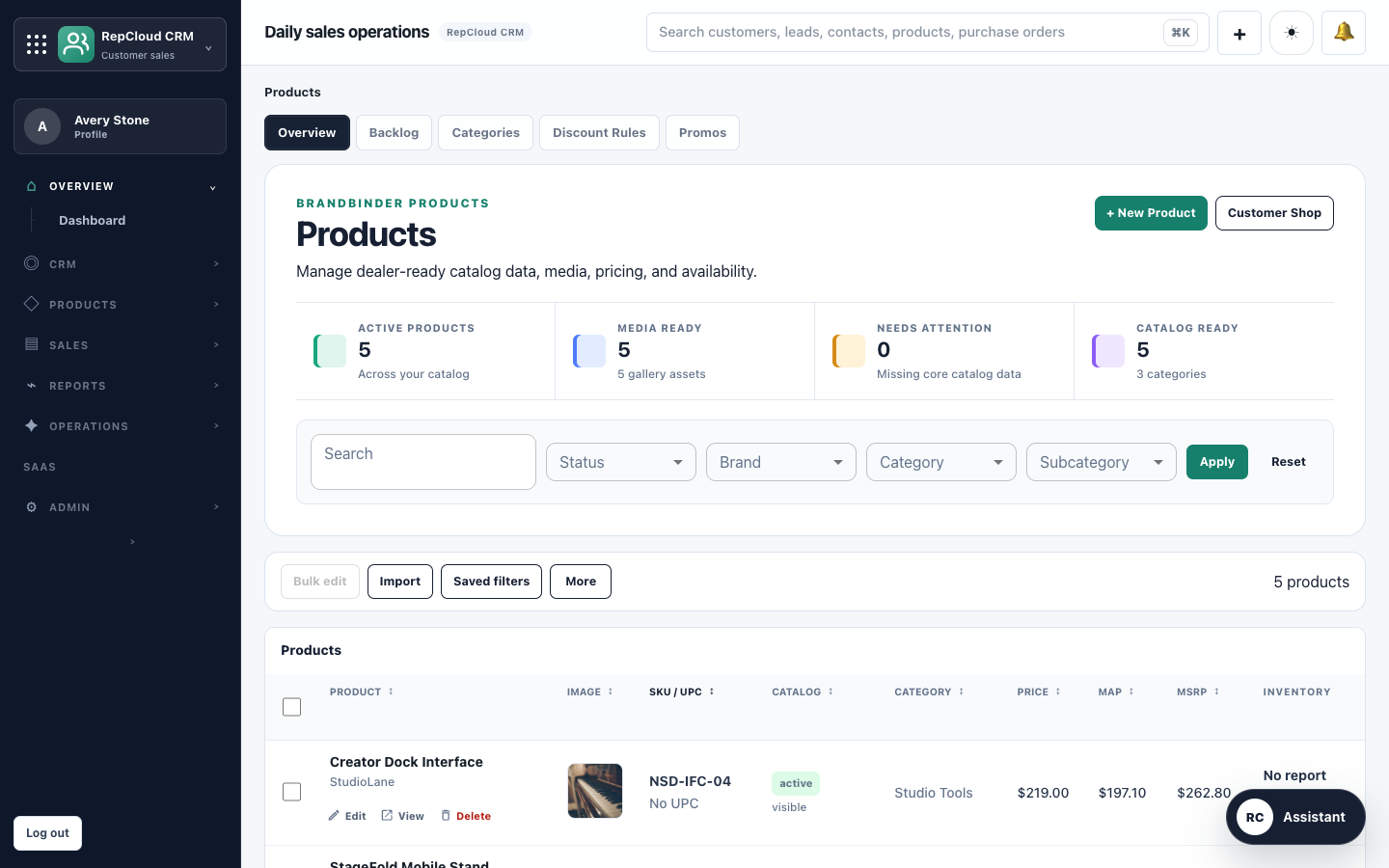
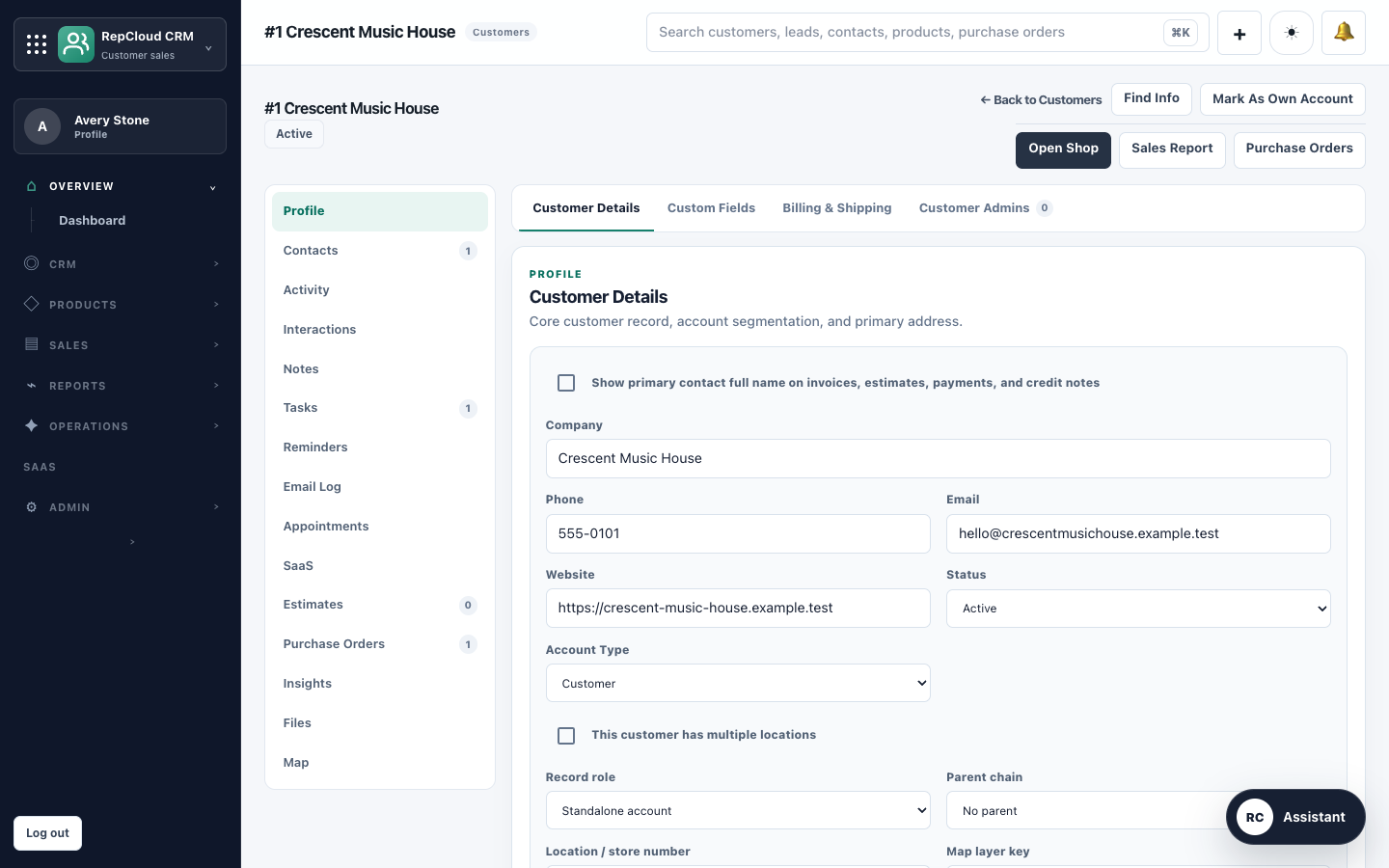
Once approved changes are reviewed, the rep team can use that product information alongside customer accounts, purchase orders, email, files, and territory activity in RepCloud.
- Keep represented lines current
- Review updates before applying them
- Connect brand resources to sales work
- Preserve each company’s independent records
Connect the people who approve the product with the people who sell it.
Start with the workspace your team owns. Connect the two when the brand and rep firm are ready to work from the same approved product source.