Keep inbox routing, task ownership, approvals, invoice follow-up, and customer replies visible to the whole team.
For B2B distributors
Manage distributor sales from quote through order follow-up.
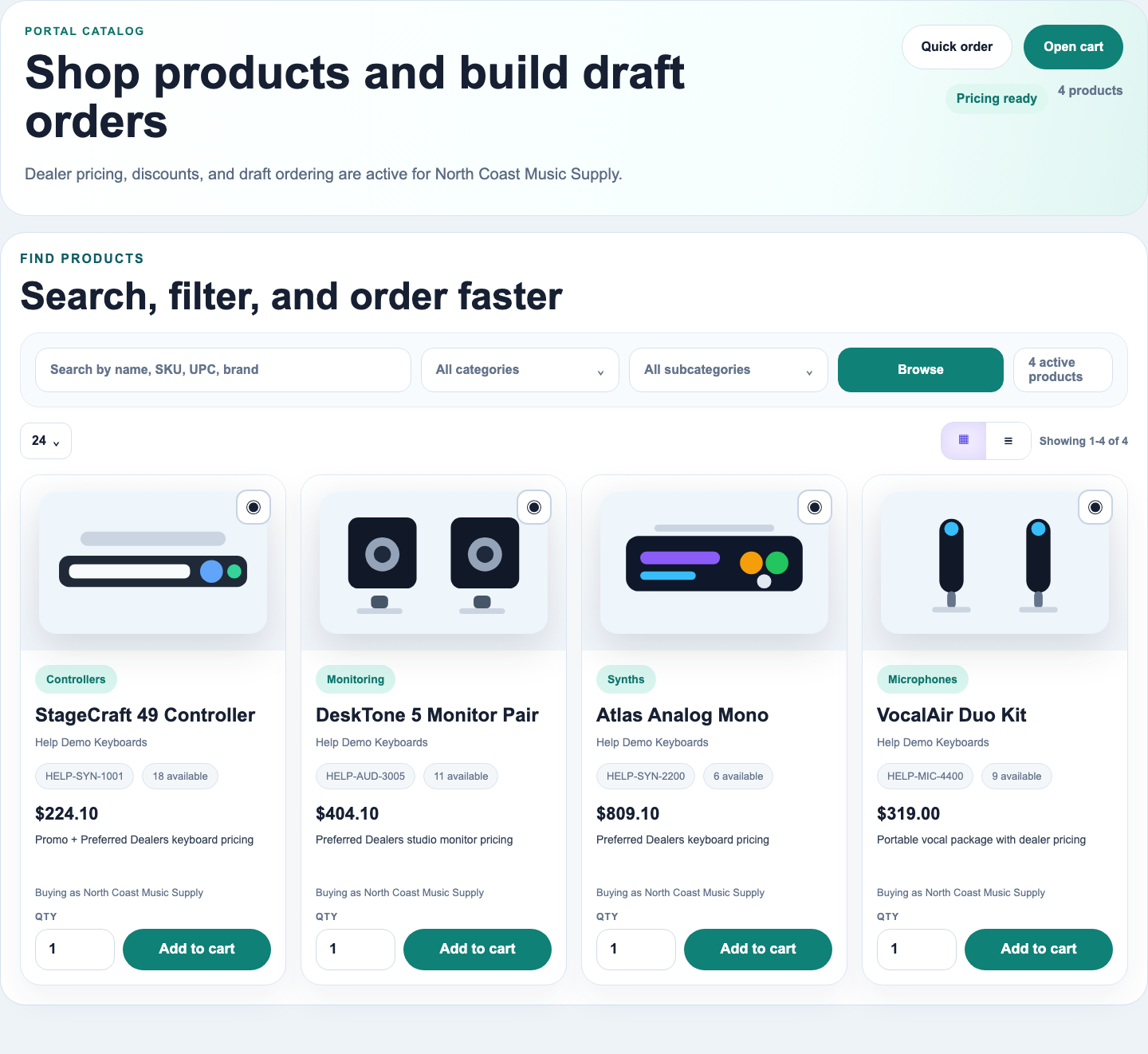
Give inside sales access to customer records, the catalog, pricing, quotes, purchase orders, invoices, shared files, and the customer portal from RepCloud.
Built for distributor sales teams
Catalog
Pricing
Quotes
Purchase orders
Invoices
Payments
Shared inbox
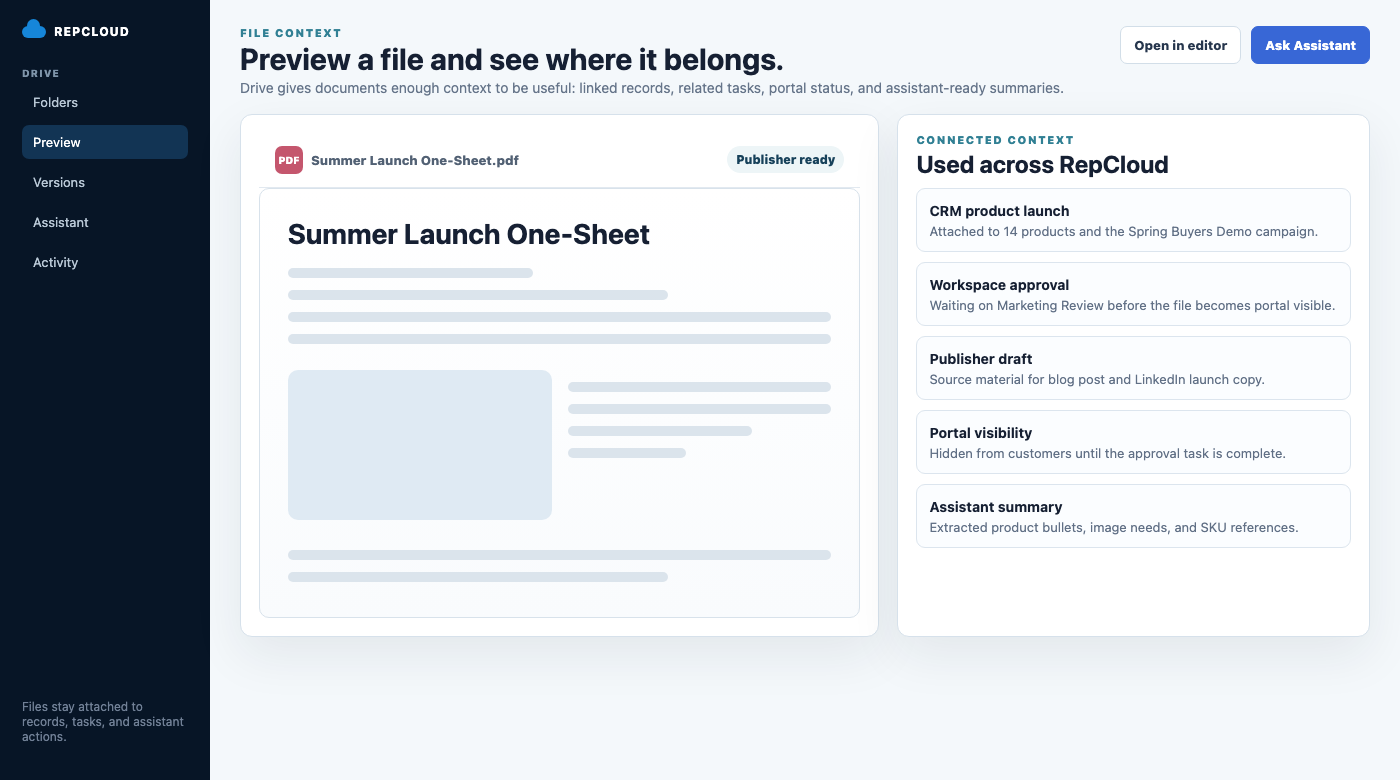
Files
Portal access
Why distributors use RepCloud
Give inside sales one system for quotes, orders, invoices, and customer follow-up.
Customer records, pricing, quotes, POs, invoices, inbox messages, files, and portal activity stay together, so reps can answer customers without searching several systems first.
Keep products, files, price sheets, quotes, invoices, and customer records together.
Handle the quote, PO, invoice, customer replies, and attachments without switching tools.
For inside sales
Handle customer questions, quotes, orders, and invoices without switching systems.
- Use CRM for customers, contacts, products, pricing, quotes, invoices, and commercial account records.
- Use Workspace for shared mailboxes, follow-up, task routing, approvals, payment reminders, and draft replies.
- Use Drive for customer files, price sheets, statements, documents approved for the portal, and files stored in other cloud drives.
- Use RC Assistant to compare the customer request with pricing, inventory, invoice, and document details before replying.
Keep customer questions, invoices, supporting documents, and payment follow-up visible to the sales team.
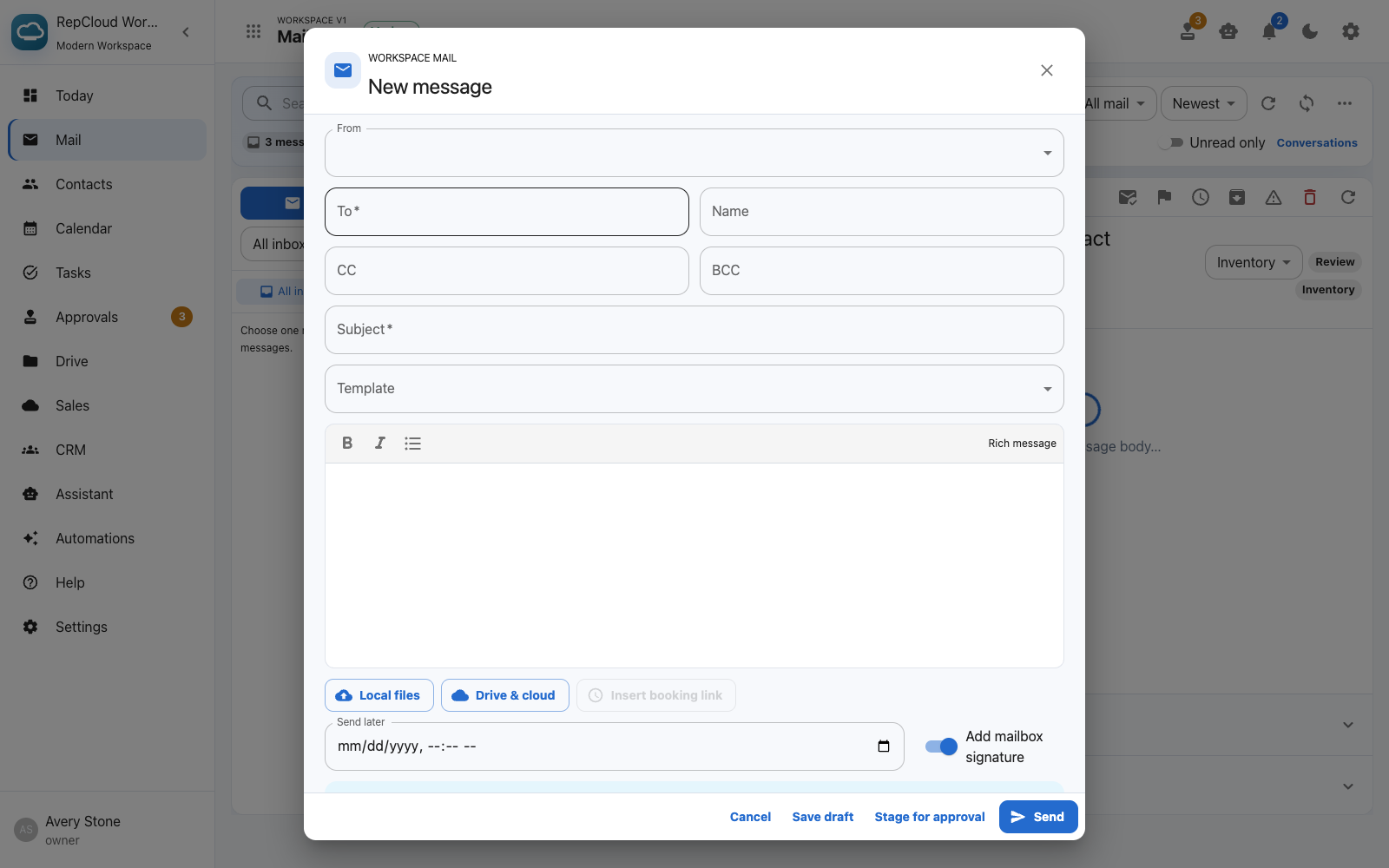
Shared inboxes
Route sales, status, pricing, inventory, invoice, and support requests through one team workspace.
Catalog and pricing
Keep current products, customer pricing, and quotes with the account record.
Quotes, POs, and invoices
Keep purchase orders, invoices, shared files, and attachments near the same customer record.
Payment follow-up
Track invoice questions and payment reminders with the related customer and order.
Customer portal
Give customers access to the right products, files, invoices, statements, and support options.
Invoice status and reminders
Track invoice questions, payment status, reminders, and supporting documents with the related customer and order.