What is RepCloud?
RepCloud brings customer records, email, orders, files, field work, and sales content into one connected system for relationship-driven sales teams.
The suite
Five connected parts, with clear jobs.
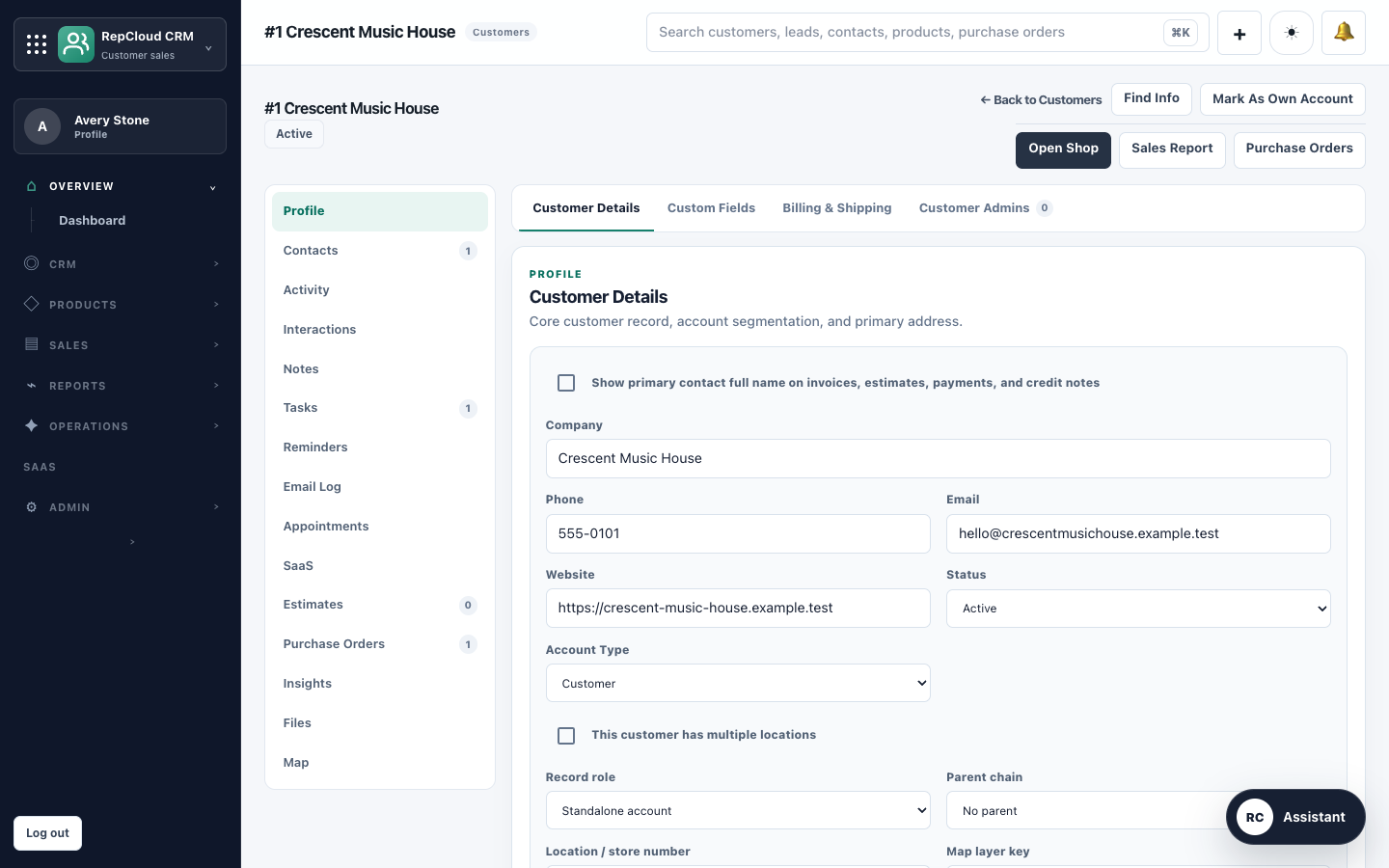
RepCloud CRM
Customer and contact records, territories, products, pricing, portals, purchase orders, estimates, invoices, campaigns, field reports, and reporting.
Explore CRMRepCloud Workspace
Mail, calendar, contacts, tasks, approvals, customer follow-up, and daily sales work in the browser or RepCloud Desktop for Mac.
Explore WorkspaceRepCloud Drive
RepCloud-managed files, previews, sharing, record links, and approved external Google Drive, Dropbox, and OneDrive folders.
Explore DriveRepCloud Publisher
Source intake, reviewable article and campaign drafting, social versions, and WordPress preparation.
Explore PublisherRC Assistant
Optional AI-supported summaries, extraction, drafts, comparisons, and review preparation using permitted RepCloud records and files.
Explore RC AssistantWho it fits
Rep firms, outside and inside sales teams, brands, and B2B distributors managing accounts, product lines, pricing, orders, files, and dealer relationships.
Rep-firm workflowPlans
Start with CRM or bring the suite together.
Choose the plan that fits the size of your team today. Current terms and annual options are always shown on the pricing page.
CRM Starter
$39/month for 1 user, with published limits for customers, contacts, leads, products, and storage.
CRM Team
$99/month for 3 users and shared CRM work.
CRM Pro
$199/month with one flat workspace price and no preset cap on users, customers, contacts, leads, or products.
RepCloud Suite
$299/month for CRM Pro, Workspace, Drive, and Publisher. Current annual and add-on terms are on the pricing page.
One connected account
CRM, Workspace, Drive, Publisher, apps, and optional assistant features use the same RepCloud account and permission model.
Built to be reviewed
Consequential email, customer, file, and automation work stays visible so your team can review it before it sends or writes.
FAQ
Direct answers about RepCloud.
Is RepCloud a CRM?
Yes. CRM is the core product. Workspace, Drive, Publisher, customer portals, apps, and RC Assistant extend the same account and permission model.
Does RepCloud work on Mac and iPhone?
Web apps run in a browser. RepCloud Desktop and RepCloud Drive are available for Mac after sign-in, and RepCloud mobile apps are available for supported iPhone workflows.
Can RepCloud use outside files?
Yes, when configured. Drive can browse approved Google Drive, Dropbox, and OneDrive folders. Provider access and write behavior depend on the connection and selected folder policy.
Does AI make changes automatically?
RC Assistant can help prepare work, but consequential mail, CRM, file, and automation actions are designed to remain visible and reviewable.
Are customer portals included?
CRM includes controlled customer portal access. Branded hubs and custom domains depend on account setup.
Where are current changes documented?
The public What’s New feed lists current RepCloud product releases and improvements.
Is this RepoCloud or repcloud.net?
No. This is RepCloud sales software at repcloud.app, a separate product and company.