Account and line structure
Can it represent dealer locations, shared buyers, vendor lines, territories, and assigned reps without duplicate records?
RepCloud connects dealer accounts, represented lines, product pricing, purchase orders, field activity, files, and follow-up—so the whole team can see what happened and what needs attention next.
Bring one real, non-sensitive account or order scenario. We’ll show the complete handoff—not a generic slide deck.
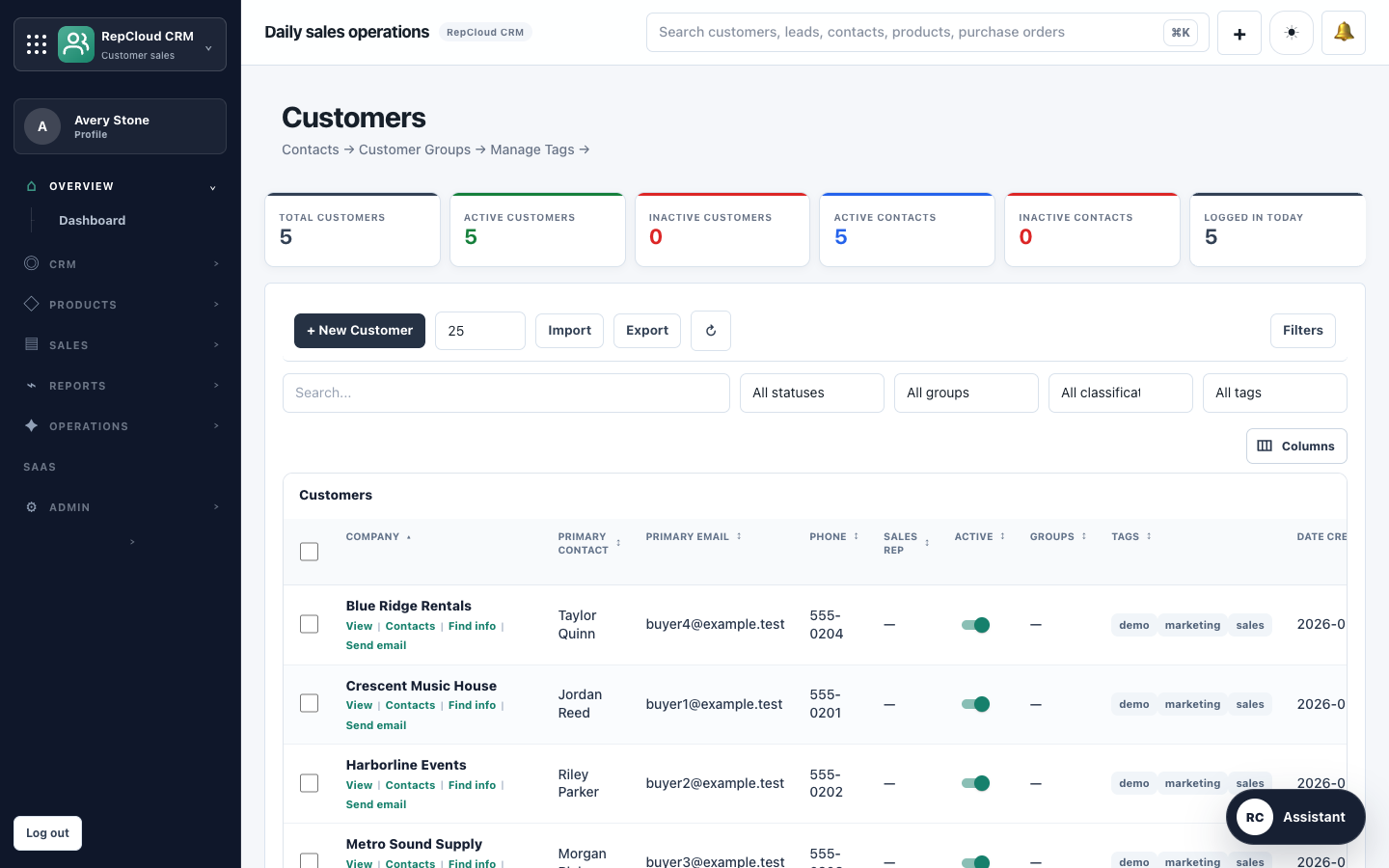
One connected workflow
Outside reps, inside sales, and management work from the same customer history instead of rebuilding context in every handoff.
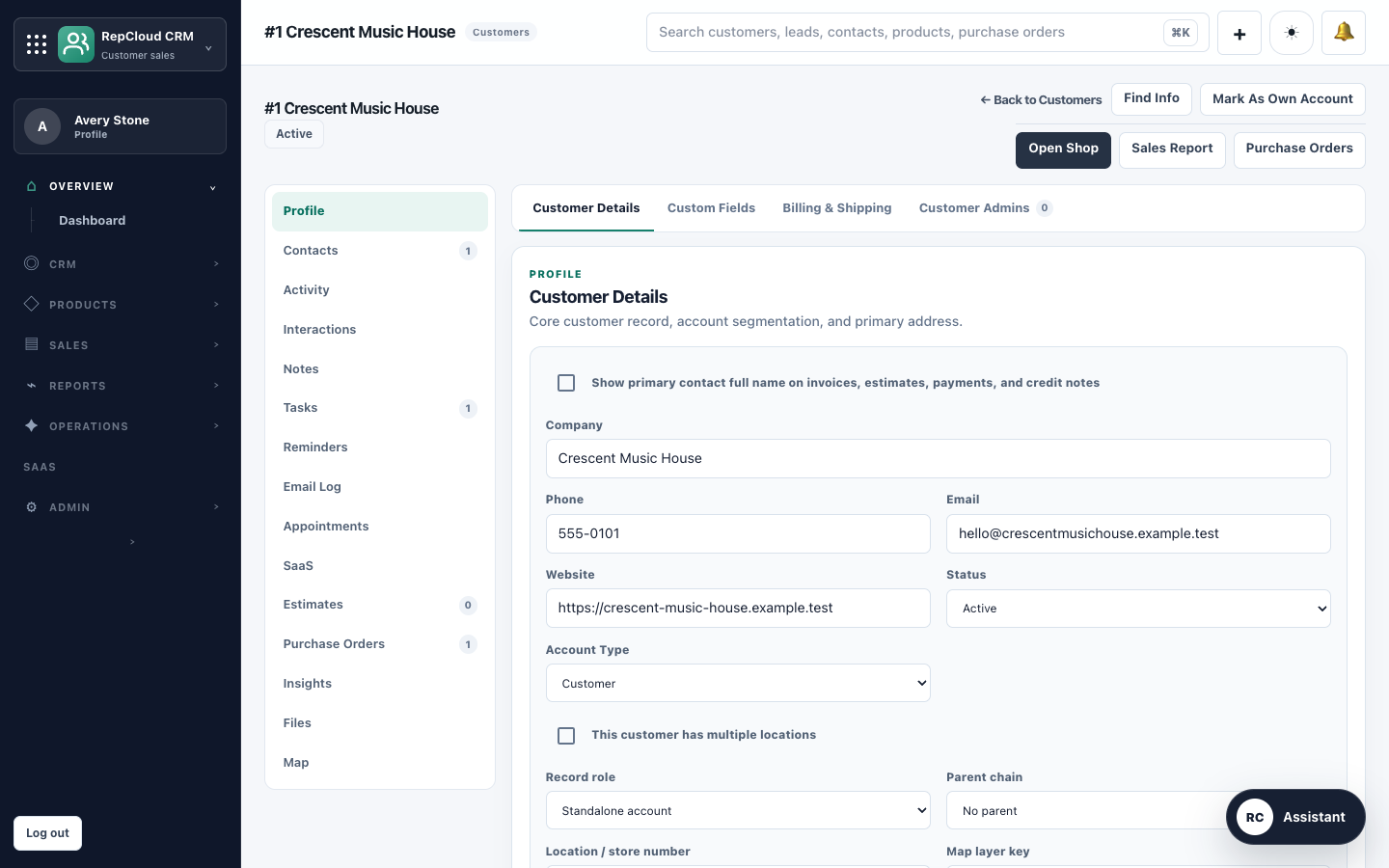
Open the dealer record for locations, buyers, represented lines, notes, files, orders, invoices, and portal status.
Find the right SKU, price, promotion, inventory note, catalog, or approved file without searching several systems.
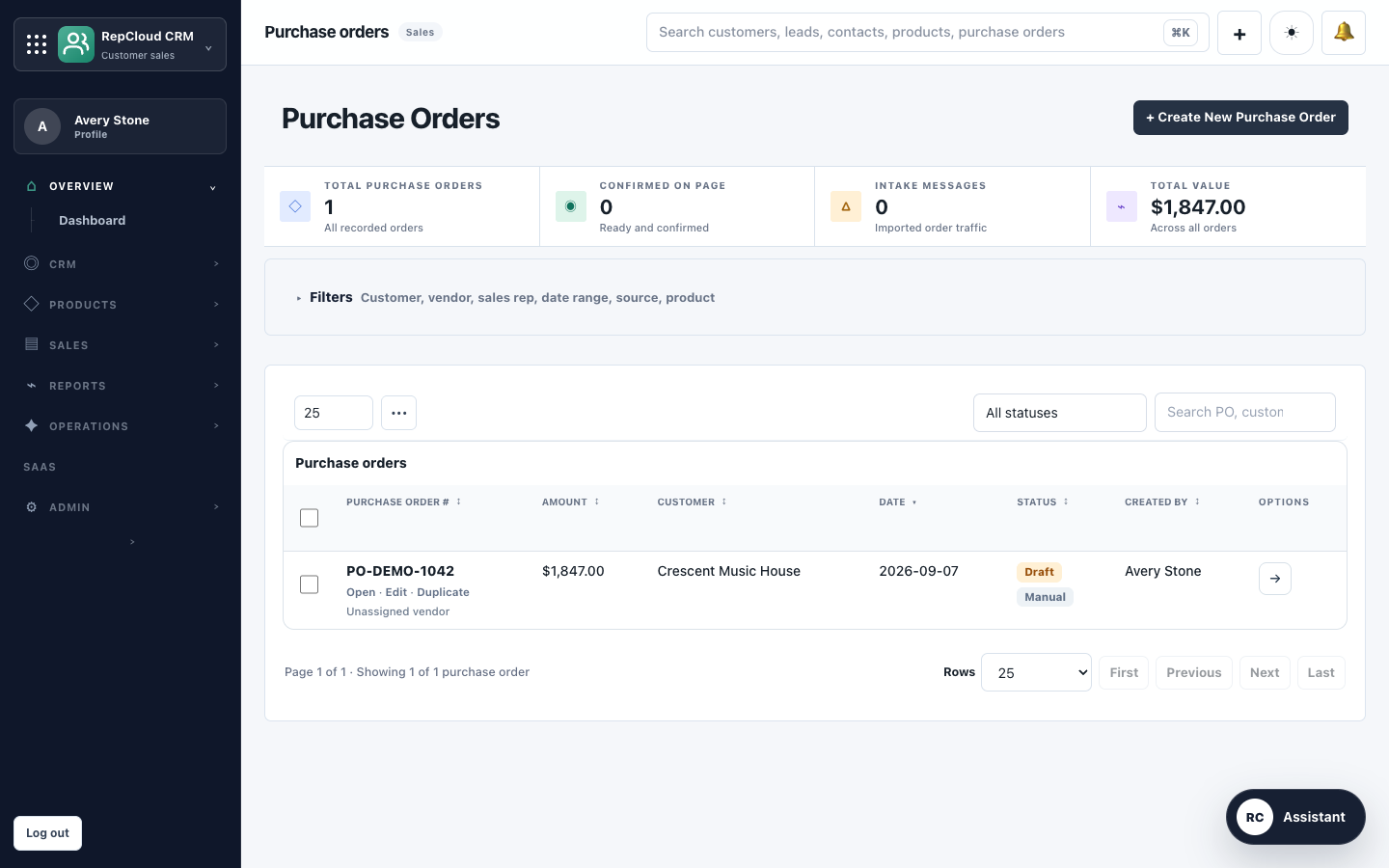
Review incoming purchase orders against customer and product data, resolve exceptions, and retain the source document.
Assign tasks, record field activity, send documents, and keep the result on the account for the next rep who opens it.
See the working record
RepCloud is designed around the records a rep firm uses every day—not a generic opportunity pipeline with more tabs added later.
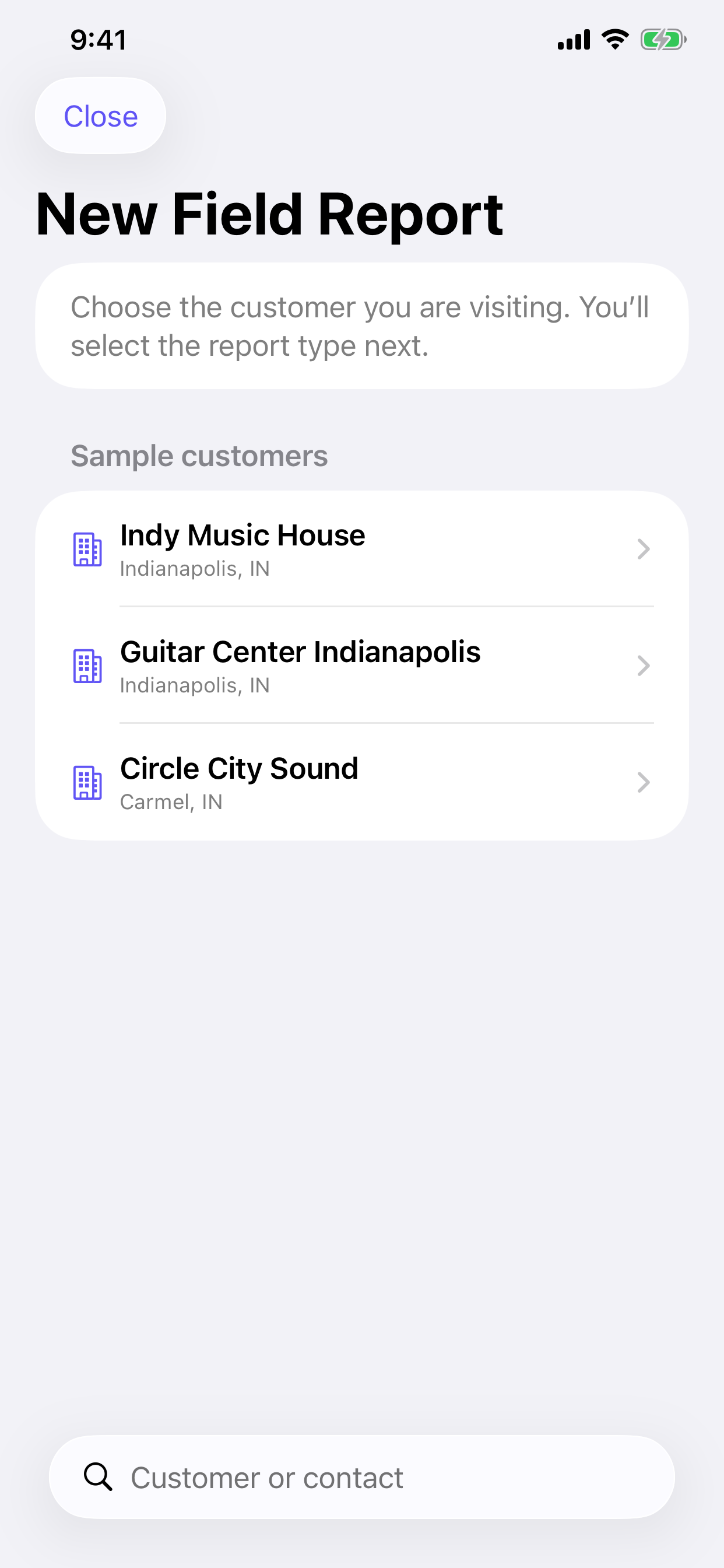
Field reporting
With RepCloud for iPhone, outside reps can record store visits, product demos, training, merchandising checks, and service follow-up before leaving the customer site.
A useful evaluation
Use the same scenario with every CRM you consider. Score the handoffs and missing context, not the length of the feature list.
Can it represent dealer locations, shared buyers, vendor lines, territories, and assigned reps without duplicate records?
Can a rep find current information, apply customer pricing, review a PO, and preserve the source document?
Can a field visit, photo, note, task, and reply reach the right teammate while the context is still current?
Can you control internal and customer access, export usable data, and retain a recovery path?
Migration without the drama
We scope the records and workflows first, test with representative data, reconcile the results, and only then plan cutover.
Identify accounts, contacts, lines, territories, products, pricing, orders, activity, files, owners, and integrations.
Resolve duplicates, preserve source IDs, define field mappings, and classify sensitive data.
Import representative scenarios, compare counts and relationships, and verify permissions and exports.
Set a change freeze, retain dated backups, validate priority workflows, and keep a recovery path.
Fit check
If you only need a simple contact list and opportunity stages, a general-purpose CRM may be enough.
Your team represents multiple brands, serves dealer accounts, works with product and pricing data, processes orders, or coordinates field and inside sales.
You need controlled dealer access, shared files, mobile field reports, or a clearer path from incoming request to completed follow-up.
RepCloud will not claim that every integration or migration is instant. We’ll identify configuration, provider approval, and data-cleanup work before you commit.
Twenty-minute fit check
We’ll walk through how RepCloud would handle it, answer the hard questions, and tell you plainly if the fit is wrong.