Available after sign-in
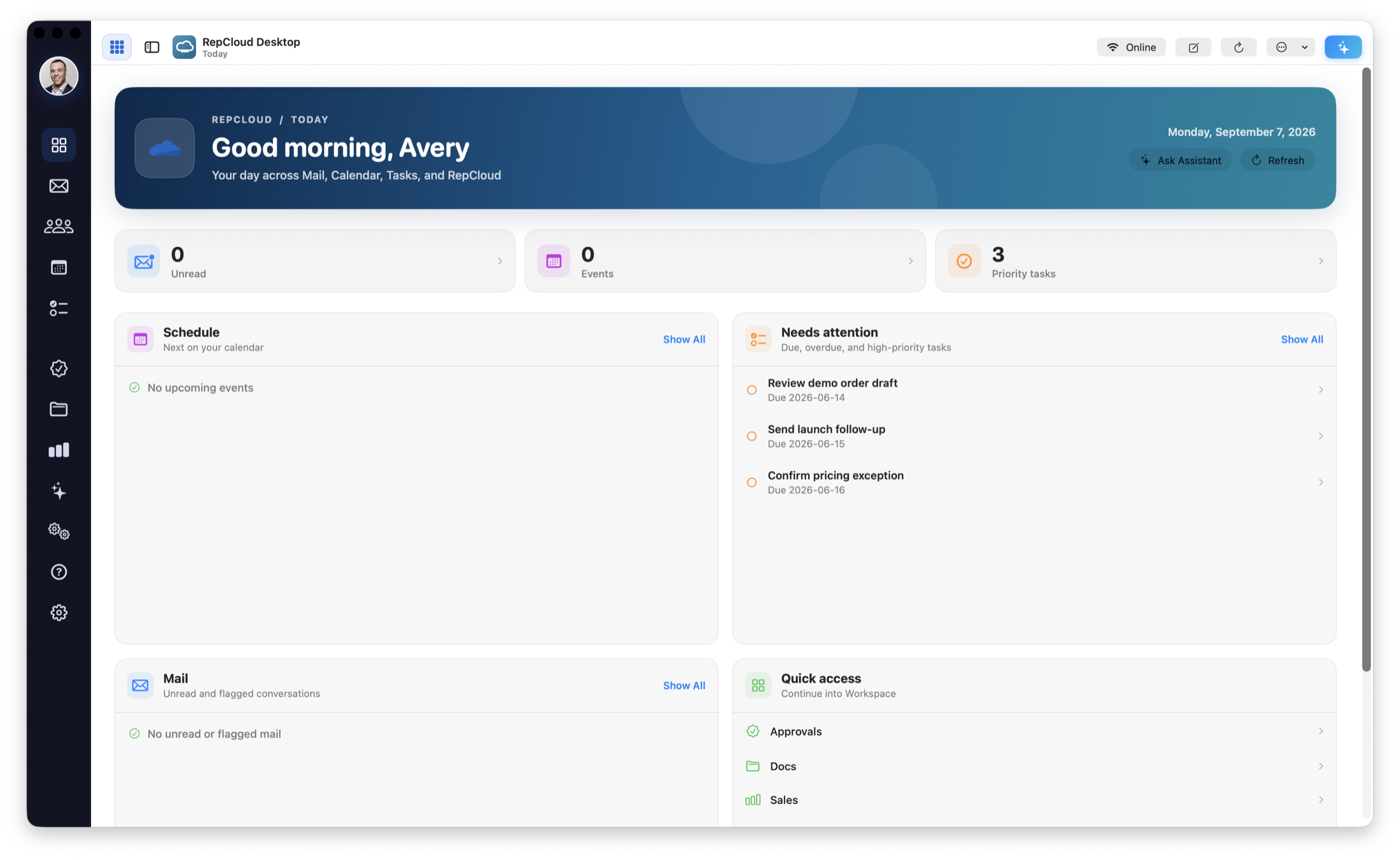
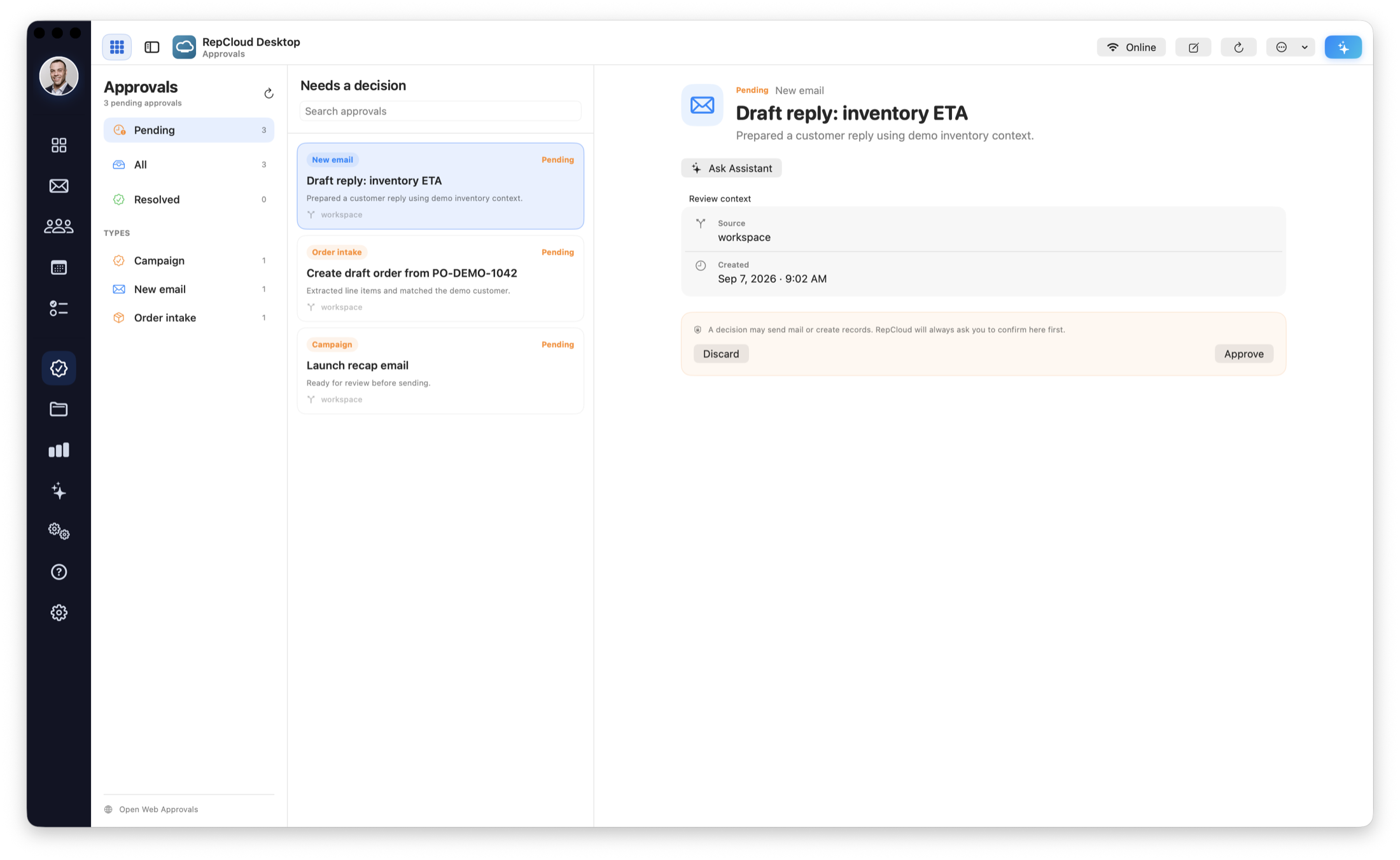
RepCloud Desktop for Mac
RepCloud Desktop for Mac includes Today, Mail, Calendar, Contacts, Tasks, Approvals, Docs, Sales, Automations, Settings, and RC Assistant.
- Connects to your existing RepCloud account.
- Use the Mac app for common daily tasks and the browser for advanced administration.
- Download and update instructions are available after sign-in.
Sign in to download

Available after sign-in
RepCloud Drive for Mac
Drive workspaces can use selected RepCloud Drive folders on Mac and perform approved local file actions.
- Choose which RepCloud Drive folders are available on the Mac.
- Local file changes follow your RepCloud permissions and safety controls.
- The app works with RepCloud files, not every connected storage service.
Sign in for Mac access
Available now
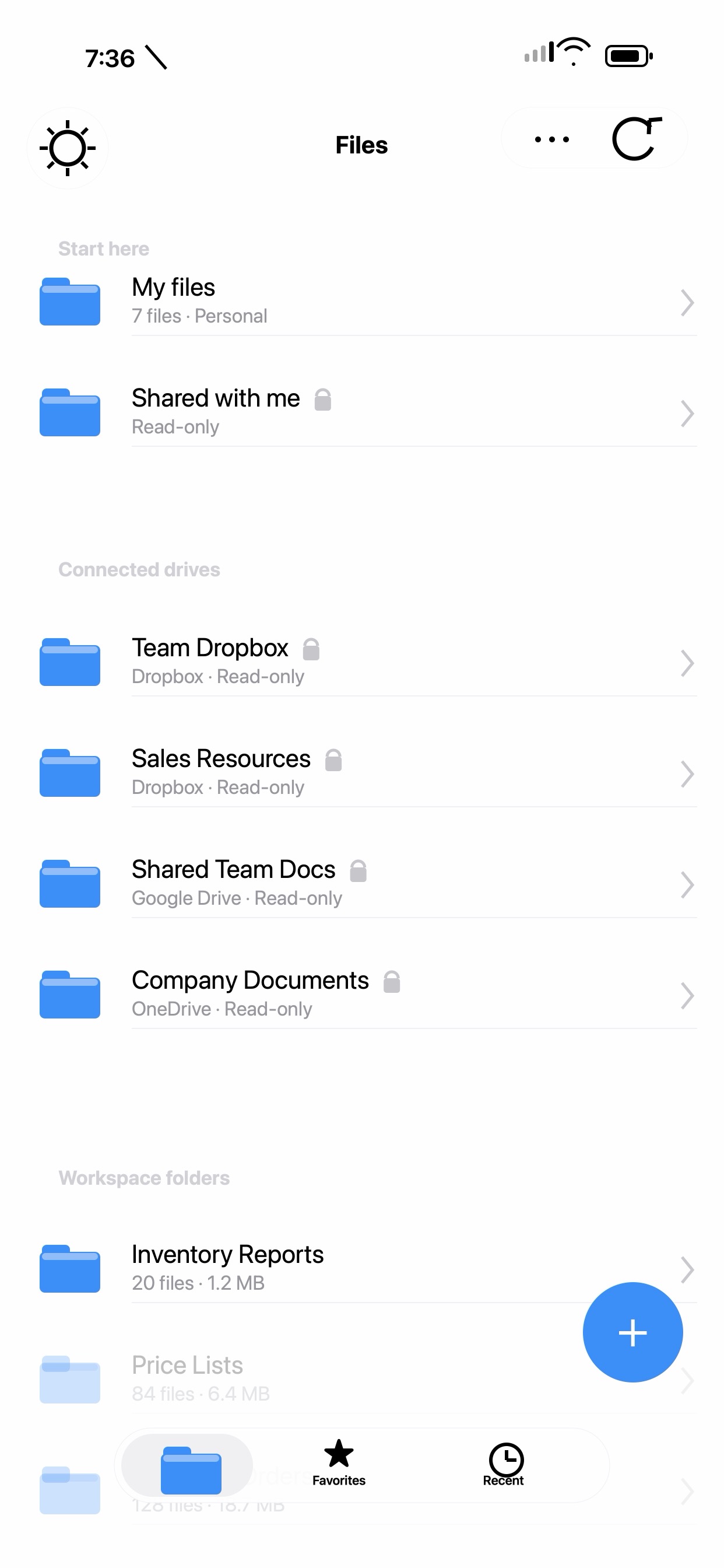
RepCloud Drive for iPhone
Browse, search, preview, share, save to RepCloud, and manually cache selected files for offline access.
- Available now from the Apple App Store.
- Sign in with an eligible RepCloud account.
- Your RepCloud Drive permissions determine which files and actions are available.
Download on the App Store

Available now
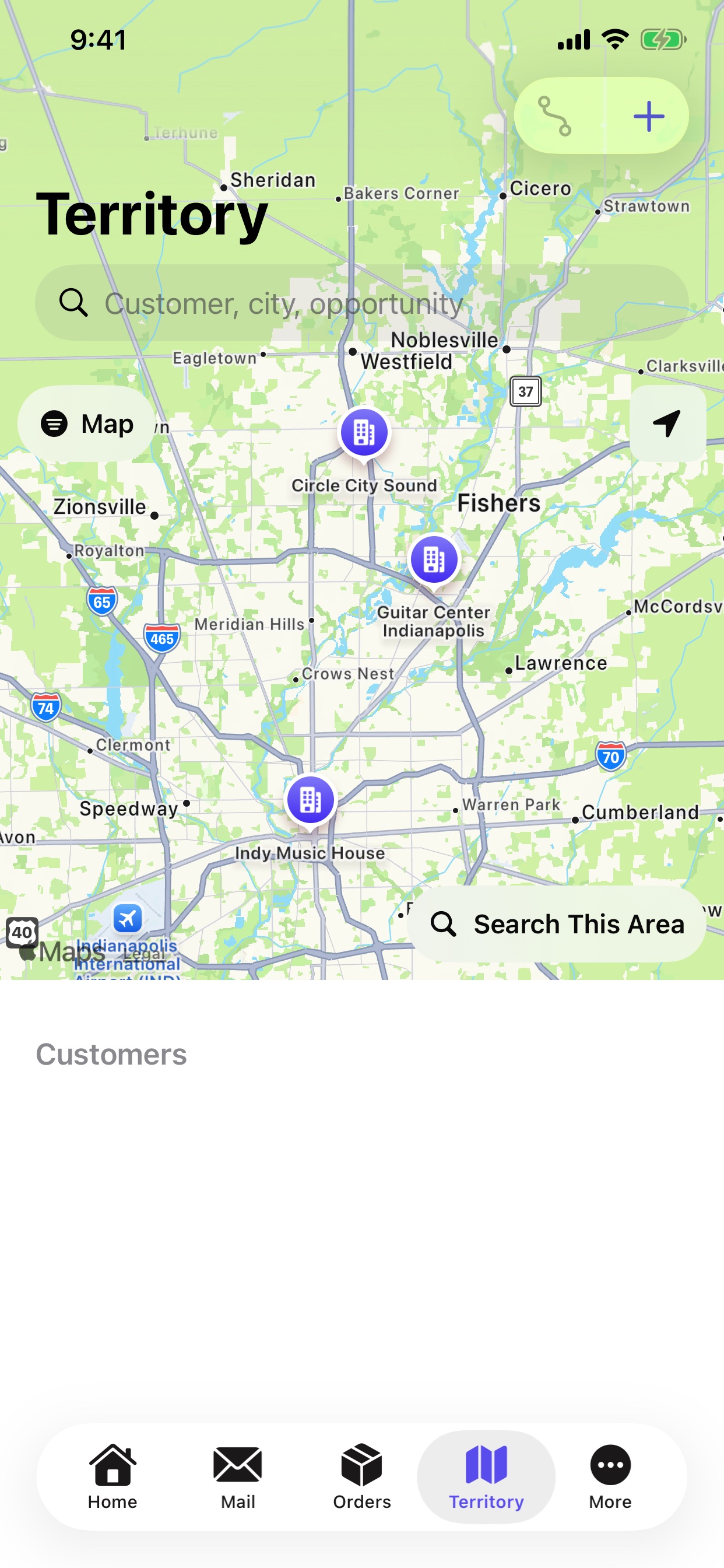
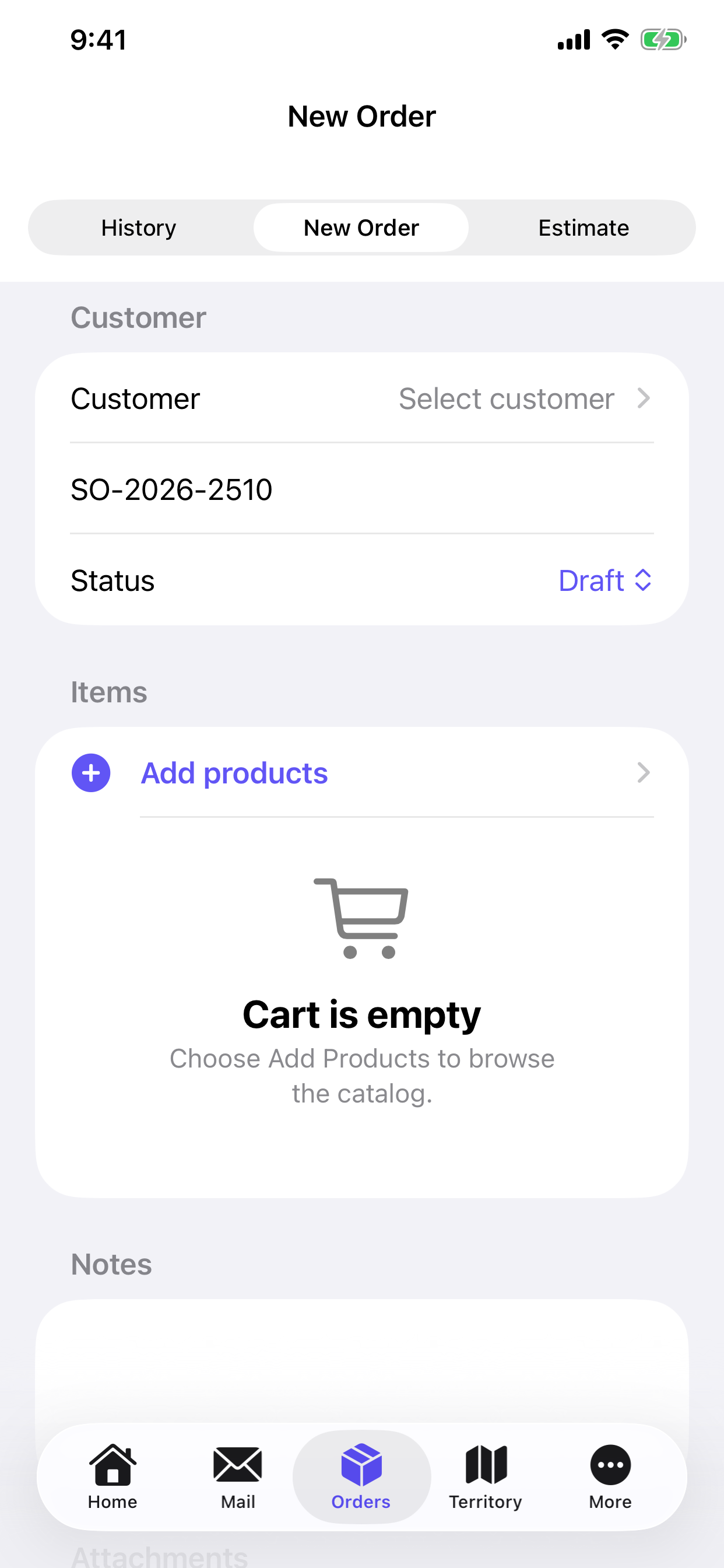
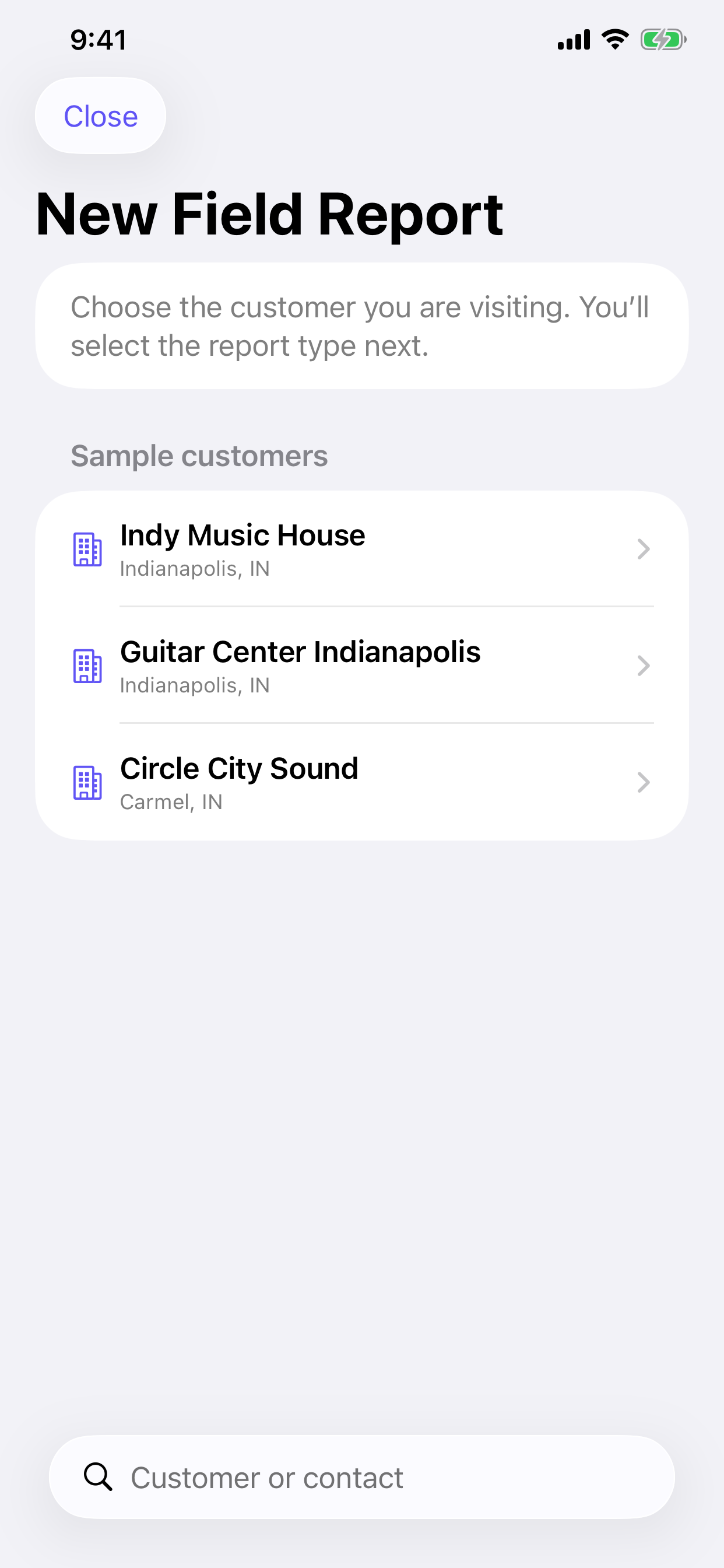
RepCloud for iPhone
Use CRM, mail, calendar, territory maps, Drive, field reports, and ordering on iPhone.
- Available now from the Apple App Store.
- Sign in with an eligible RepCloud account.
- Your RepCloud account determines which apps and data are available.
Download on the App Store