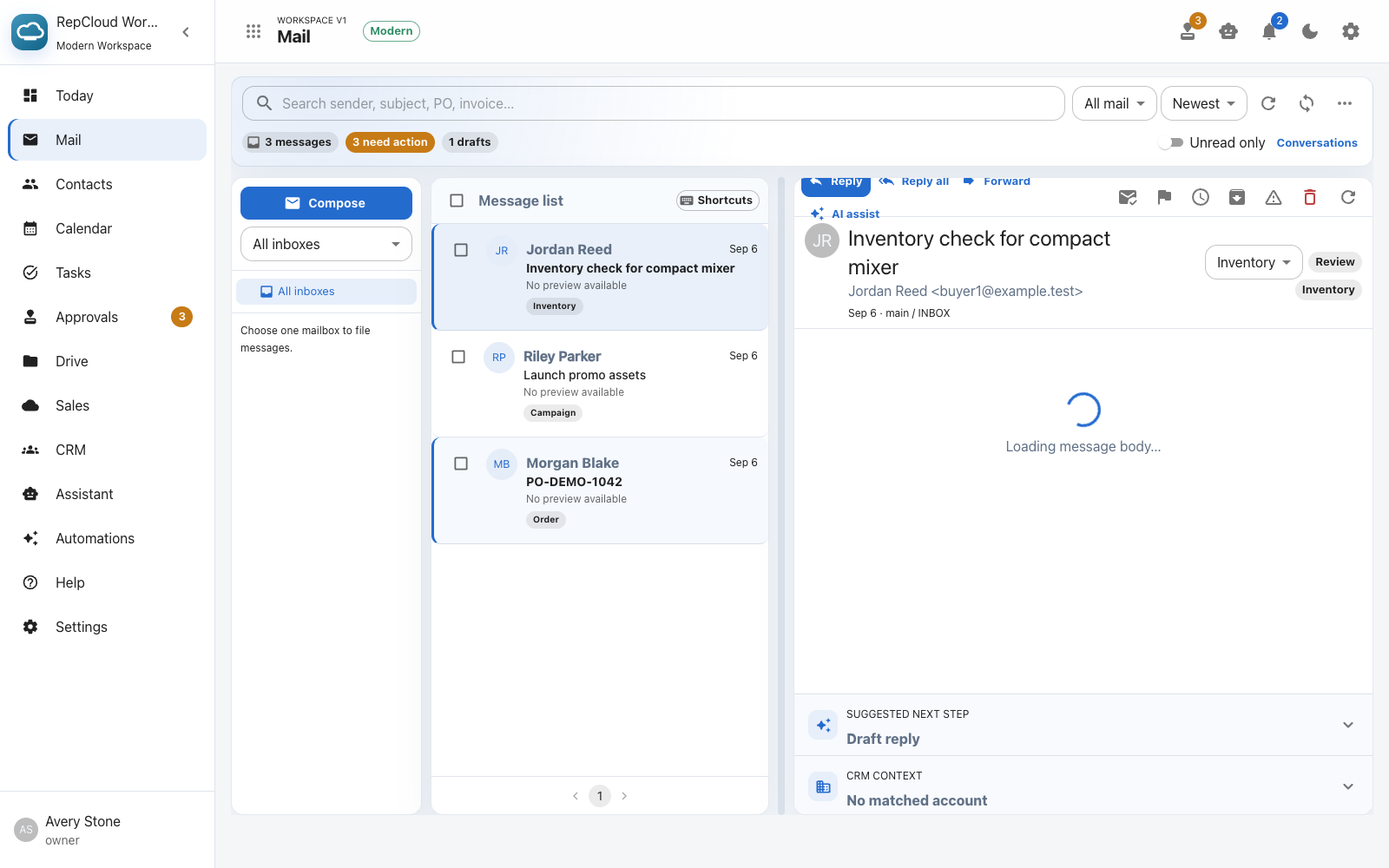
Keep the original email and PO file available while reviewing the proposed customer, reference, shipping, and items.
Email-to-order intake
Turn incoming order emails into reviewed purchase orders.
Keep the source message, attachment, customer, shipping information, SKUs, and quantities together while your team checks the details before creating the order.

From inbox to trackable orderSource emailOriginal attachmentCustomer matchSKU reviewQuantitiesApprovalFollow-up
A review-first workflow
Automation prepares the work. Your team confirms it.
Order emails vary widely. RepCloud keeps extracted details editable and visible so missing or ambiguous information does not quietly become a bad order.
Review SKUs, descriptions, quantities, and units before creating the purchase order instead of trusting incomplete extraction.
Open the resulting PO with the customer history and supporting files, then prepare customer or vendor follow-up in Workspace.
How it works
A clear path from an inbox message to an accountable record.
1. Open the source email
Start from the customer message and its attached PO so the intake remains tied to the request that created it.
2. Prepare the intake
RepCloud proposes customer, reference, shipping, SKU, quantity, and unit information for review.
3. Resolve exceptions
Correct unmatched items, missing addresses, unclear quantities, or account details before proceeding.
4. Create the PO
Create the purchase-order record only after a person confirms the intake is ready.
5. Route review
Use approvals when pricing, inventory, shipping, or another exception needs a second decision.
6. Follow up
Prepare a customer or vendor response with the order record and original request at hand.
Connected records
Do not lose the order after intake.
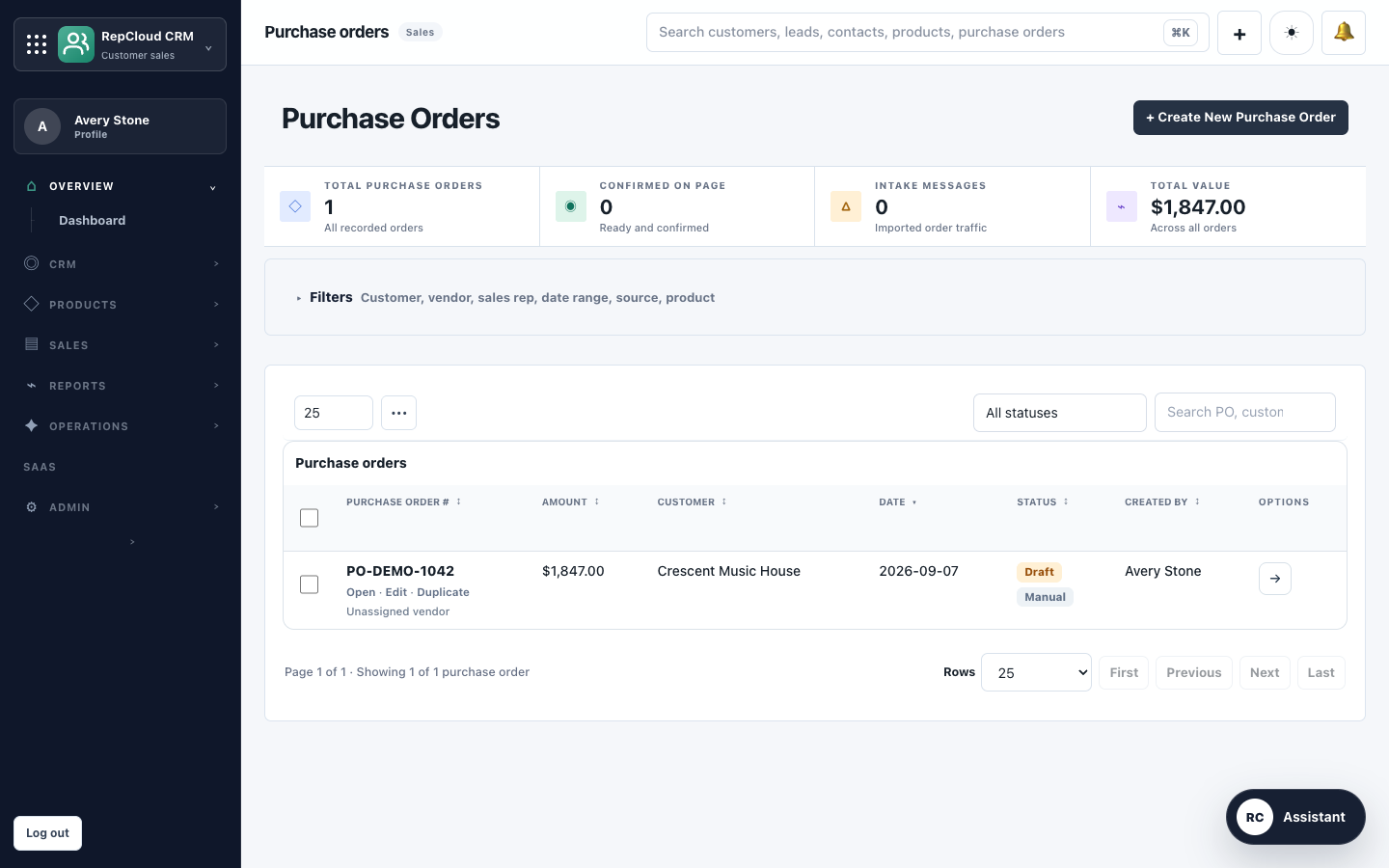
The created purchase order becomes part of the customer’s ongoing record instead of an isolated attachment in somebody’s mailbox.
- See the PO beside customer contacts, notes, estimates, invoices, files, and earlier orders.
- Use Workspace for shared inbox review, approvals, and draft follow-up.
- Use Drive for price sheets, specifications, and related order documents.
- Retain a visible path back to the original evidence when questions arise.
Explore related workflows