Capture
Bring orders in the way customers send them
- Enter a PO manually
- Prepare one from an email or attached PDF
- Import spreadsheet order data
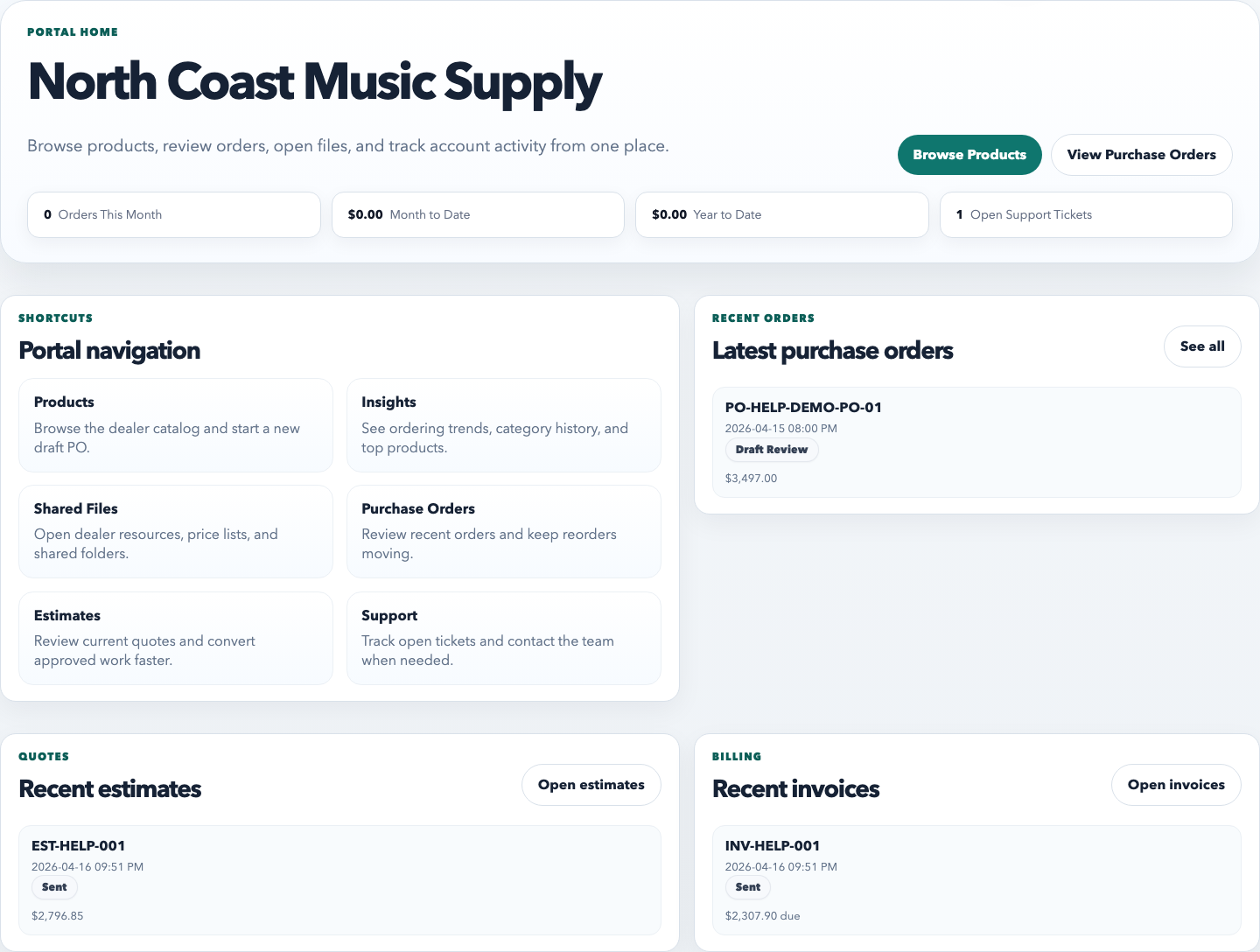
- Convert an estimate or accept a portal order
Bring in orders from email, PDFs, spreadsheets, estimates, customer portals, or manual entry. RepCloud keeps the products, pricing, documents, decisions, and follow-up together from the first request through invoicing.
What RepCloud handles
RepCloud connects the document itself to the people, products, prices, decisions, messages, and follow-up needed to move the order forward.
Capture
Build
Manage
Complete
The order lifecycle
Each step remains visible to the team, and consequential actions stay under human control.
Start with manual entry, an inbox message, a PDF, a spreadsheet, an accepted estimate, or a customer portal order.
Connect the order to the correct account, billing address, delivery location, contact, and assigned sales rep.
Review the SKU, product description, quantity, rate, discount, and extended amount—especially anything the intake could not match confidently.
Put pricing, inventory, shipping, routing, or other questions into a task, reminder, note, or approval before committing.
Email the completed order to the vendor or customer, provide portal access, and retain a visible activity trail and current status.
Keep the vendor invoice beside the PO, convert the order to an invoice when appropriate, and use the data in reports and future customer work.
Intake without blind automation
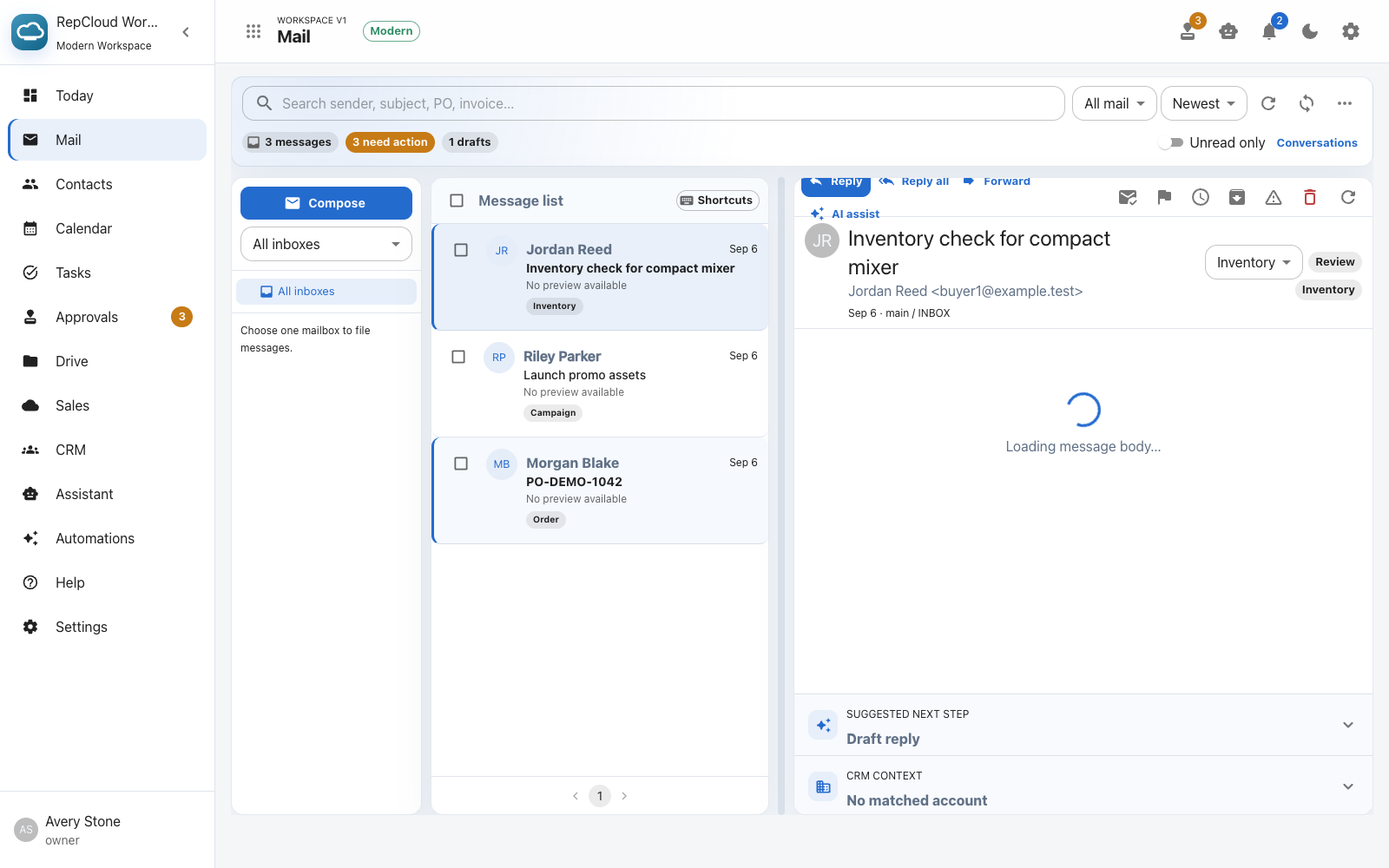
Email and PDF intake keeps the source evidence beside the proposed order. Your team can correct missing addresses, unmatched products, ambiguous quantities, or pricing before a record is created.

After intake
The same PO remains available as a working document, a communication record, a customer-facing reference, and structured sales data.
Open the order with its bill-to and ship-to details, itemized products, quantities, pricing, discounts, totals, notes, source attachment, and current status.
Assign tasks, set reminders, record internal notes, review activity, attach supporting files, and keep vendor invoice documents on the order.
Choose recipients, review the message, send the PO to the vendor or customer, download the PDF, print it, or show the customer-facing version.
Control the order book
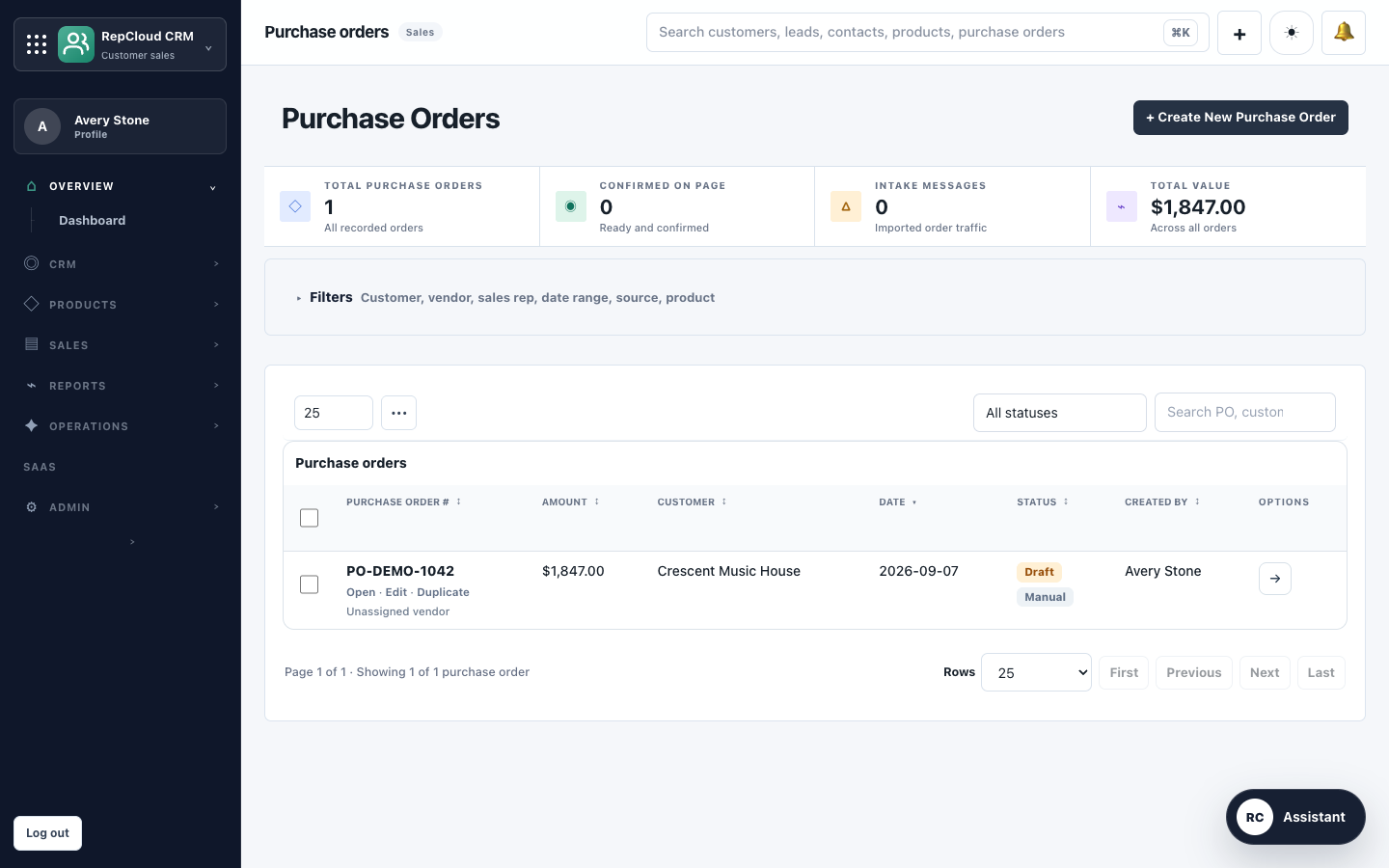
Find orders by text, customer, status, intake source, product category, or product subcategory; sort the queue and choose the columns your team needs.
Select visible orders and update their statuses together when operations needs to move a batch through the same step.
Export the filtered order list to Excel, CSV, or PDF, or open a print-ready report for offline review and sharing.
Use the structured order data in customer, product, SKU-opportunity, and sales reporting instead of rebuilding the history from inboxes.
One connected order system
Start with a customer request and finish with a sent, trackable order that remains connected to products, documents, people, tasks, and billing.