Use RepCloud
For a rep firm, distributor, or sales team that needs customer records, orders, invoices, files, email, follow-up, and a portal tied to its own CRM operation.
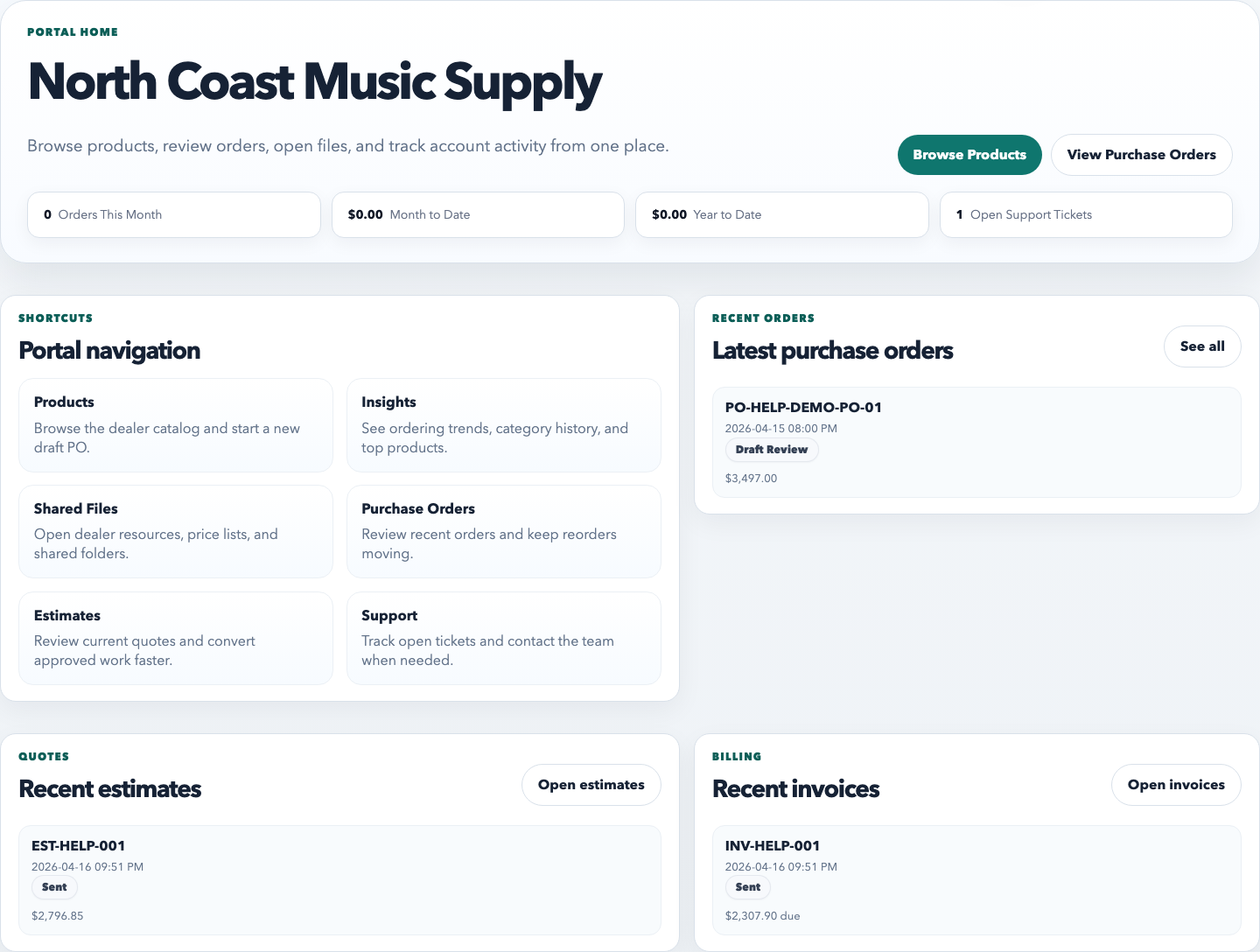
Explore RepCloud for rep firmsRepCloud portals extend your CRM relationship with controlled access to products, account pricing, orders, invoices, shared files, and support—without exposing back-office records.
Two products, different owners
RepCloud and BrandBinder work together, but they solve different sides of the relationship.
For a rep firm, distributor, or sales team that needs customer records, orders, invoices, files, email, follow-up, and a portal tied to its own CRM operation.
Explore RepCloud for rep firmsFor a manufacturer or brand that owns the dealer channel and needs approved catalogs, assets, price lists, announcements, campaigns, dealer access, feeds, embeds, and locator workflows.
Visit BrandBinderControlled customer access
Portal requests and activity stay with the customer, product, order, file, and support records your team already manages.
Show the right catalog, pricing, documents, orders, invoices, and support options to each customer or dealer.
See portal requests and activity on the account record so sales and operations work from the same customer information.
Choose exactly which products, files, pricing, and account options are available outside your company.
Explore RepCloud CRMFewer routine file requests
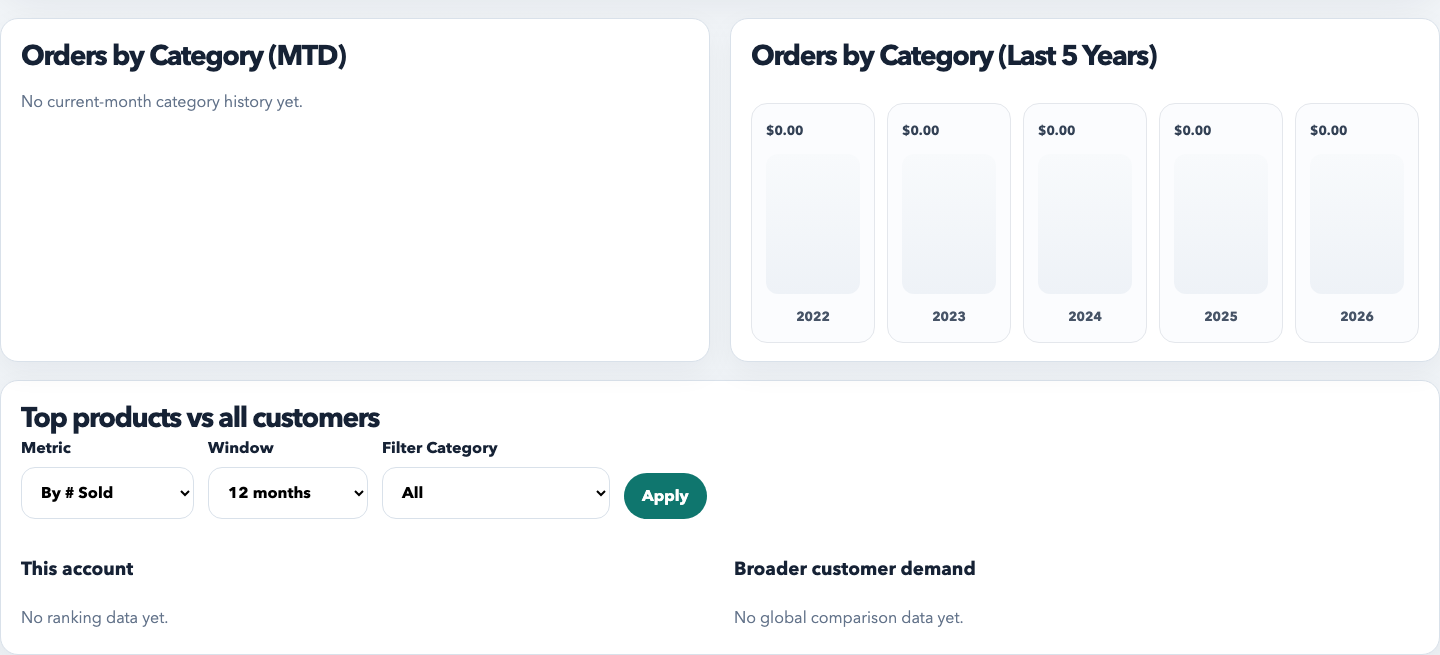
The portal uses the information already in CRM, Drive, and your product catalog. Your team chooses which assets, prices, documents, orders, and support options each dealer can see.
Show the right images, specs, one-sheets, compliance files, pricing, invoices, and PO copies based on the dealer account or sharing settings.
Replace the usual mix of email threads, Dropbox links, and one-off PDFs with one branded login dealers can use every day.
When a dealer submits a request or order, sales and operations see it on the CRM account and can handle it without asking for the same information again.
What dealers can do
Publish only the folders, images, one-sheets, specs, and compliance files you want dealers to see, without giving them access to internal Drive folders.
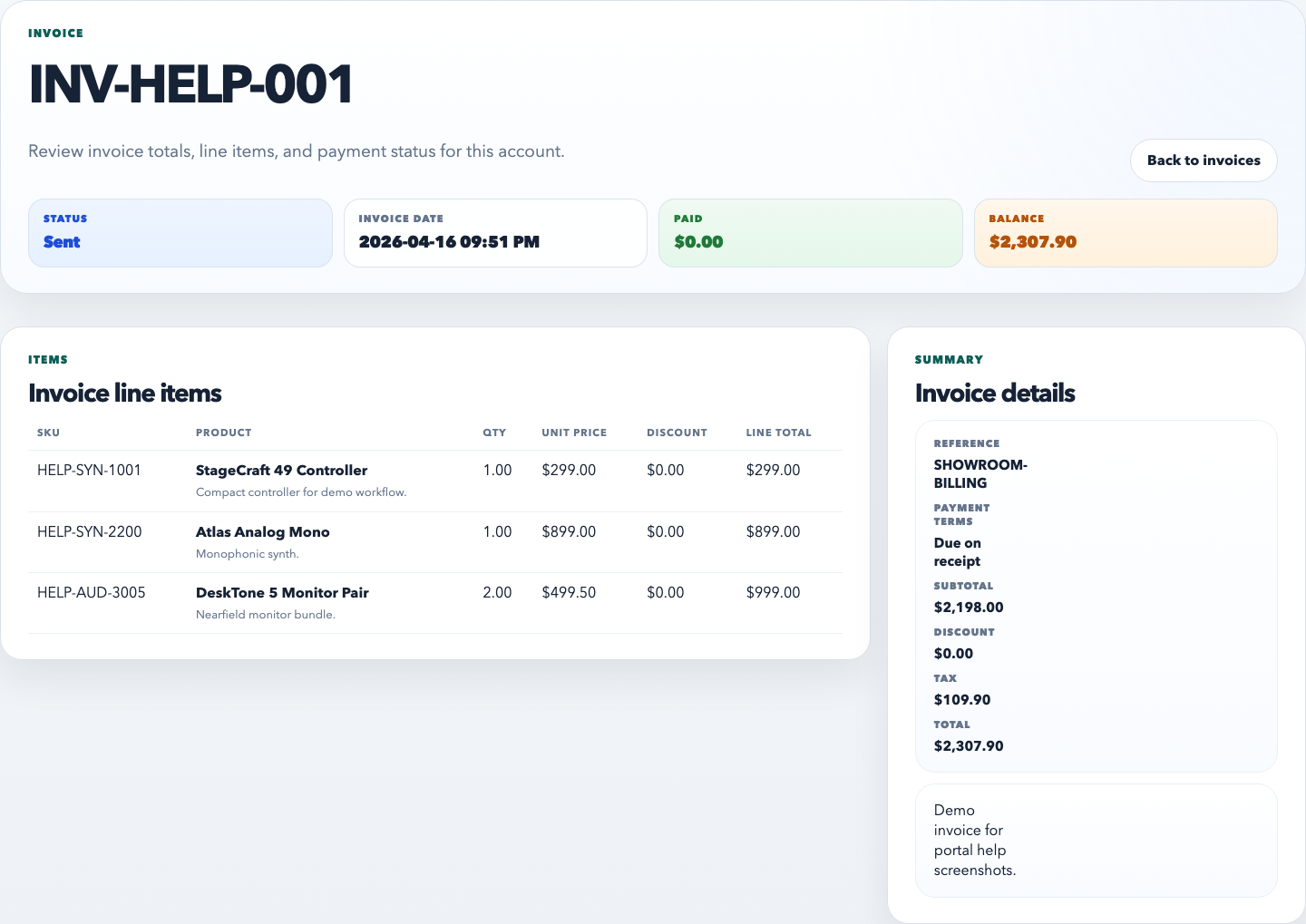
Give dealers one place to review invoices, statements, purchase order copies, shared forms, and account paperwork.
Expose dealer pricing, downloadable feeds, and account-specific product resources by login or visibility rules.
Show a public catalog without pricing when needed, then give signed-in dealers pricing, account resources, and ordering access.
Give dealers access to promos, launch assets, marketing kits, and sell-through materials without resending files every time.
Your team works in CRM, Drive, and Publisher while dealers use one portal for assets, documents, and ordering.
Product foundation
See how RepCloud brings structured product records, price sheets, approved files, and customer access together.