RepCloud solution

Secure business file storage for sales teams.

RepCloud Drive keeps shared folders, customer documents, portal-safe downloads, connected storage sources, and account-linked files in one working file layer.

Sales teams Brands Distributors Rep firms Customer document workflows
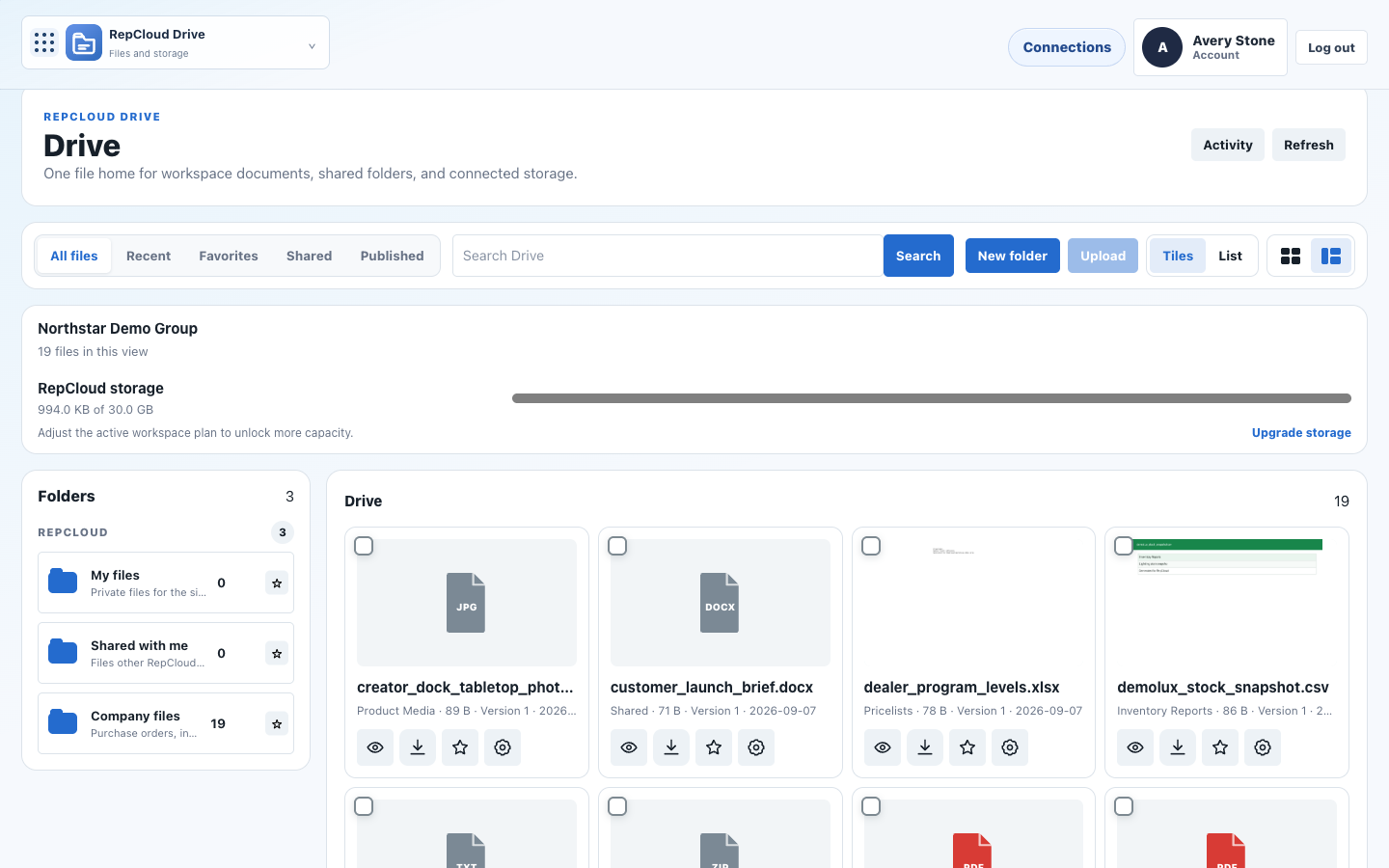
RepCloud Drive connected sources screenshot
Files that stay tied to the work Shared folders Customer docs Portal publishing Connected sources Spreadsheet editing Preview and context

Why teams use it

Sales files should not be separated from the customer and order context.

Drive makes files usable in the rest of RepCloud, whether they live in native RepCloud storage or in approved connected drives like Dropbox, Google Drive, or OneDrive.

Customer-linked storage

Connect files to accounts, purchase orders, invoices, products, campaigns, and customer portal records.

Controlled sharing

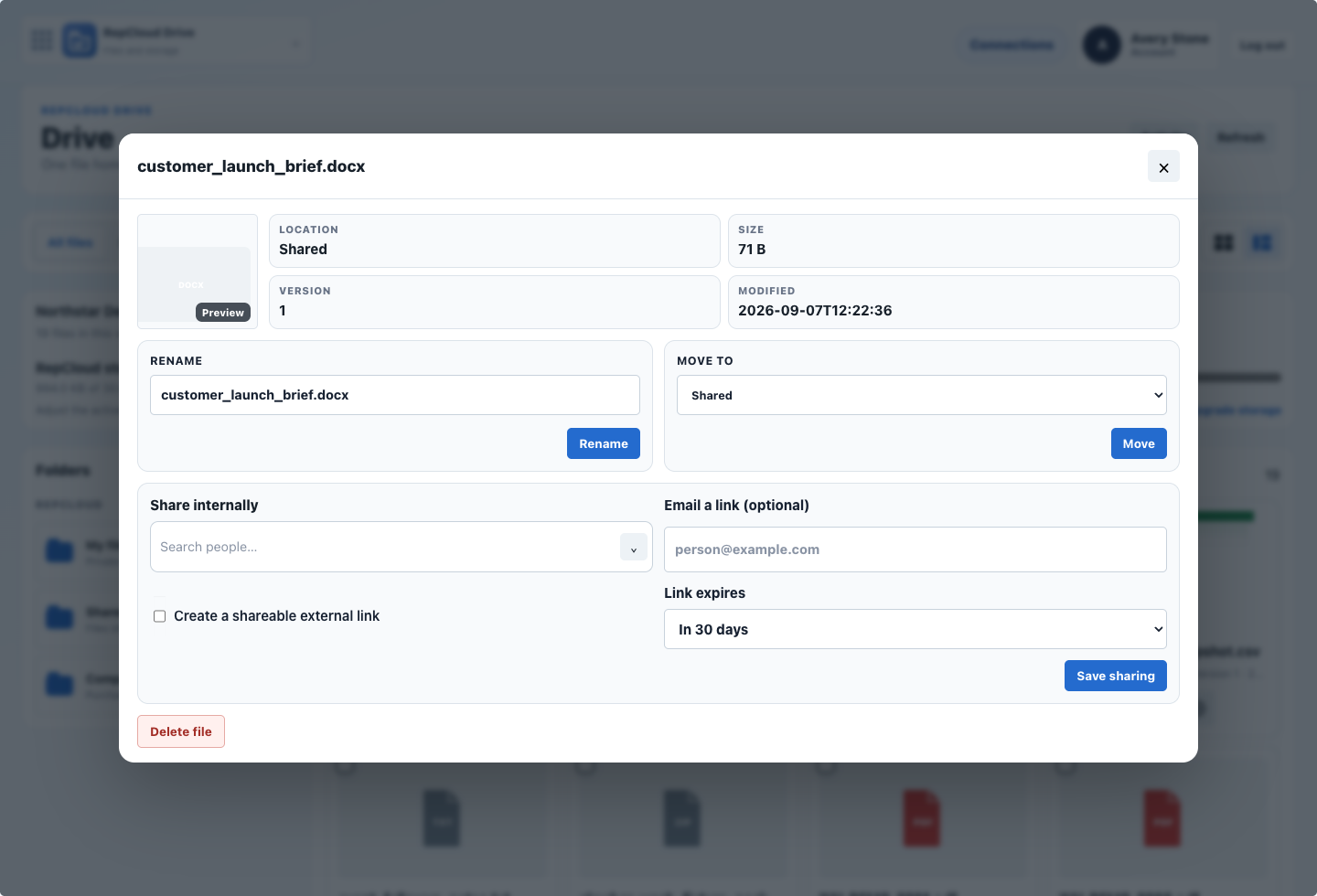
Separate internal access, external sharing, and portal publishing instead of treating every document like a public link.

Connected sources

Browse RepCloud, Dropbox, Google Drive, and OneDrive in one workflow when important source material still lives elsewhere.

File workflow

Use files in place instead of hunting for them.

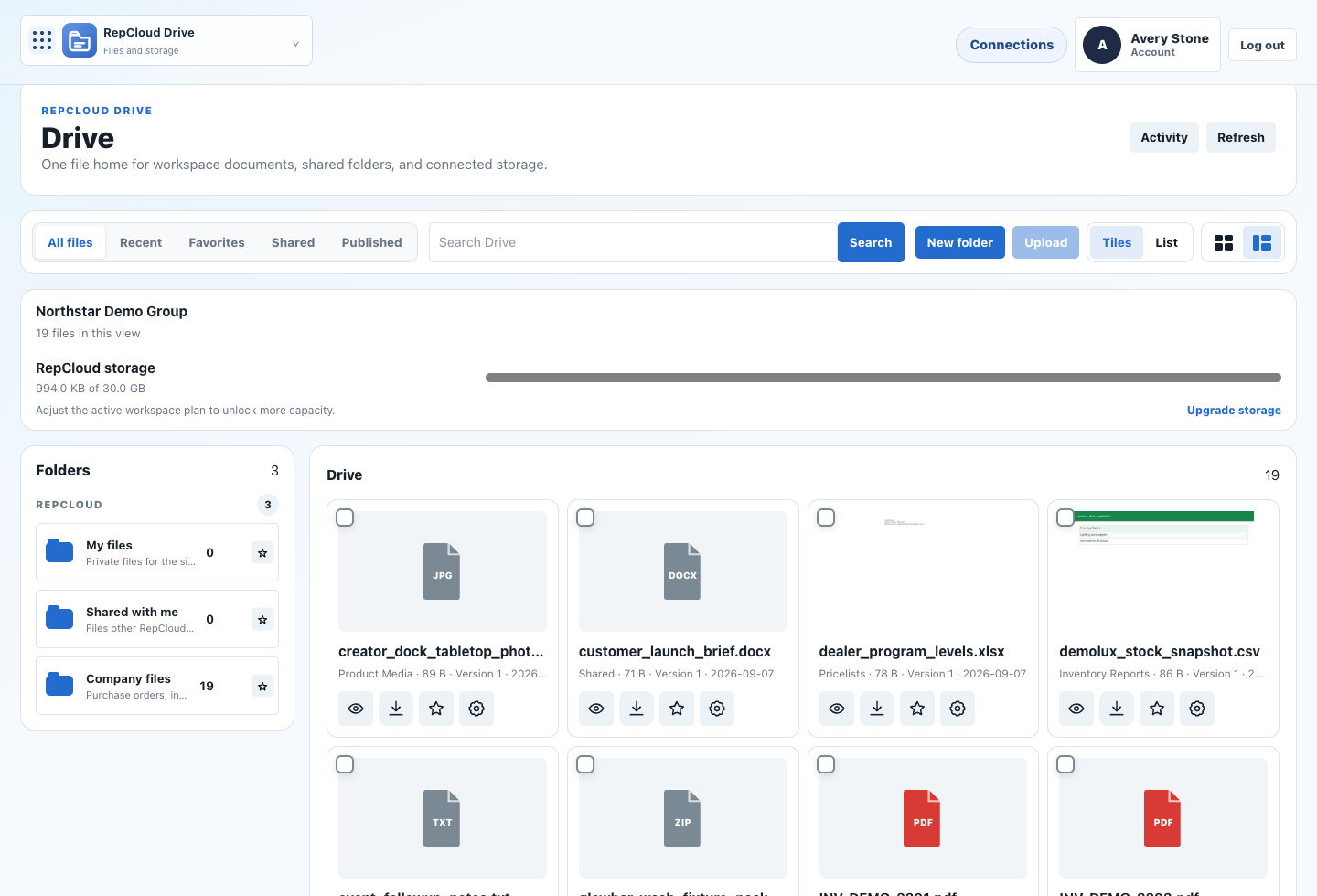
  • Organize shared folders for customers, invoices, purchase orders, price sheets, and product media.
  • Preview documents and see the related CRM or Workspace context without switching tools.
  • Publish selected files to the customer portal while keeping internal records private.
  • Open spreadsheets and office documents from Workspace when the team needs to act on them immediately.
RepCloud Drive folders screenshot RepCloud Drive sharing screenshot

Native RepCloud storage

Keep core files inside RepCloud-managed folders and permissions.

Connected drives

Bring Dropbox, Google Drive, and OneDrive into the same browser when source files still live there.

Portal-safe publishing

Show only the documents customers should be able to open and download.

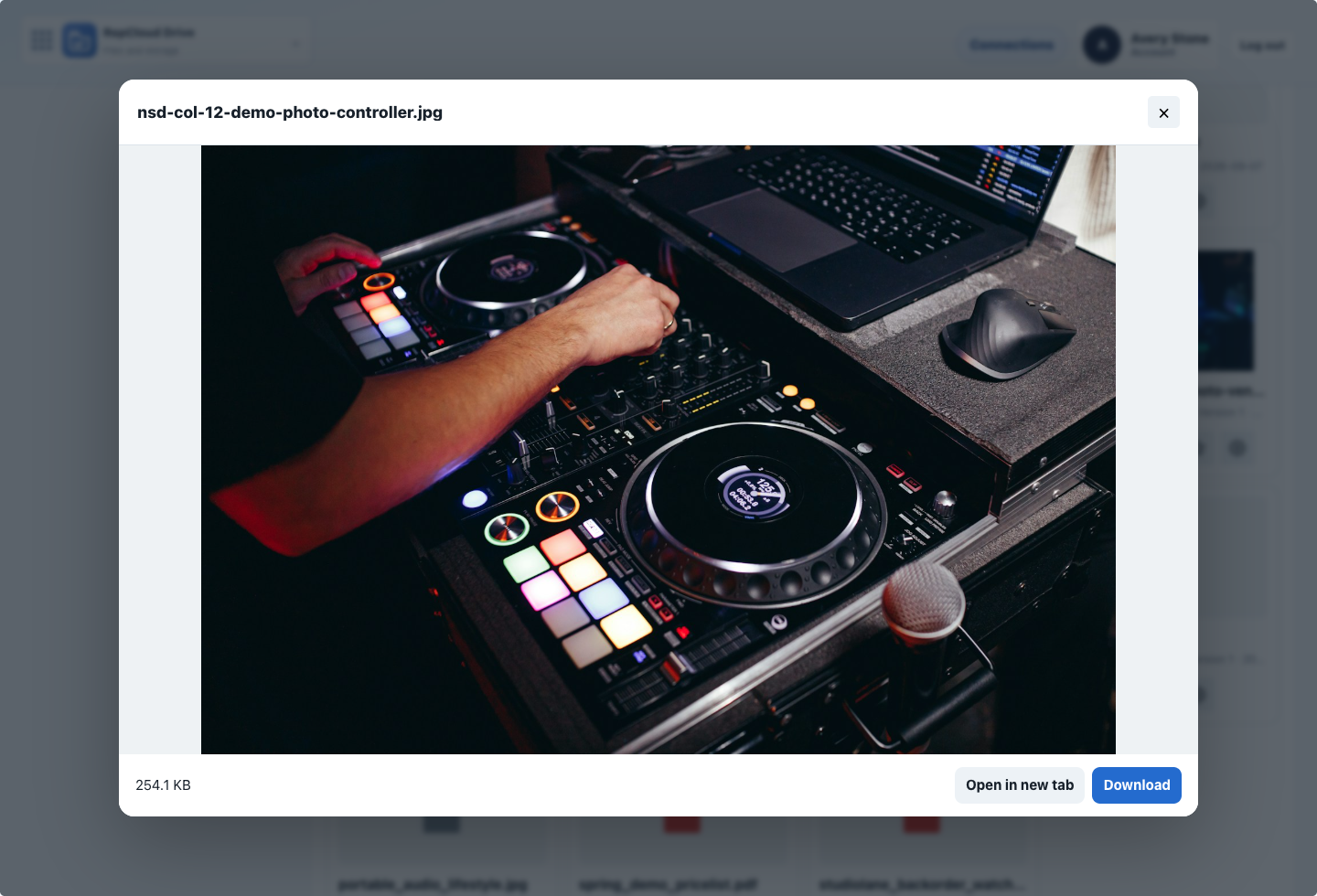
File previews

Review PDFs, docs, and spreadsheets with business context attached.

Desktop companion

Full Drive extends into desktop sync for teams that need local file access.

Assistant context

Let RC Assistant use the document content that supports the customer-facing answer.